Performance Review Template | Excel Employee Evaluation Form | Monthly - Quarterly - Annual Reviews | Employee Appraisal
Originally published: 22/08/2025 22:34
Publication number: ELQ-17849-1
View all versions & Certificate
certified

Performance Review Template | Excel Employee Evaluation Form | Monthly - Quarterly - Annual Reviews | Employee Appraisal

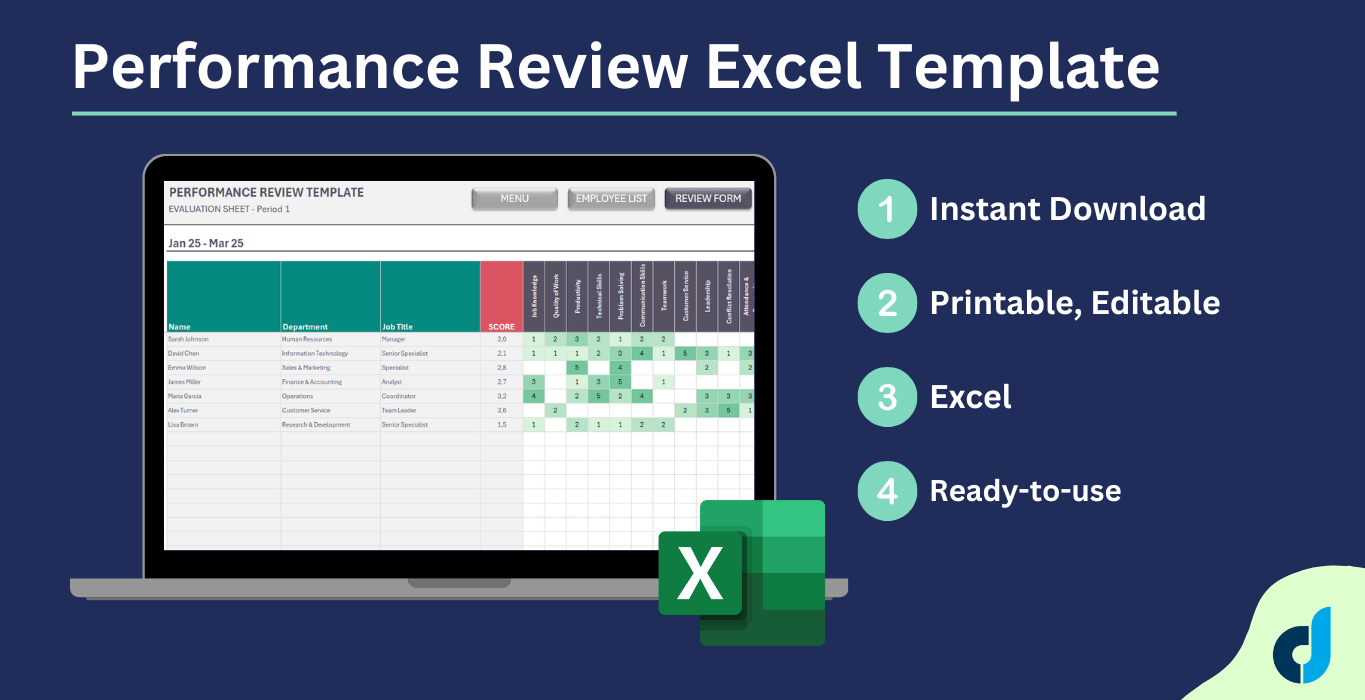
Employee Performance Review Template. Suitable for 12 review periods with monthly, quarterly, semi-annual and yearly options. Comparison between reviews.

Description

Managing employee performance is one of the most important responsibilities for any business owner, manager, or HR professional. A performance review (also called an employee evaluation or appraisal) is a structured process used to assess an employee’s strengths, weaknesses, productivity, and overall contribution to the company. When done correctly, performance reviews not only highlight areas for improvement but also motivate employees, align them with company goals, and support long-term growth.


Our Employee Performance Review Excel Template provides a simple yet powerful way to organize and conduct evaluations. Instead of creating forms and spreadsheets from scratch, you can use this ready-made tool to save time, maintain consistency, and ensure fairness in every review.


🔹 Why Use This Template?

Traditional performance reviews can be disorganized and inconsistent. Different managers may use different criteria, making it difficult to compare results or track employee progress over time.

With this Excel-based Performance Review Template, you get:

  • A standardized system for evaluating employees.

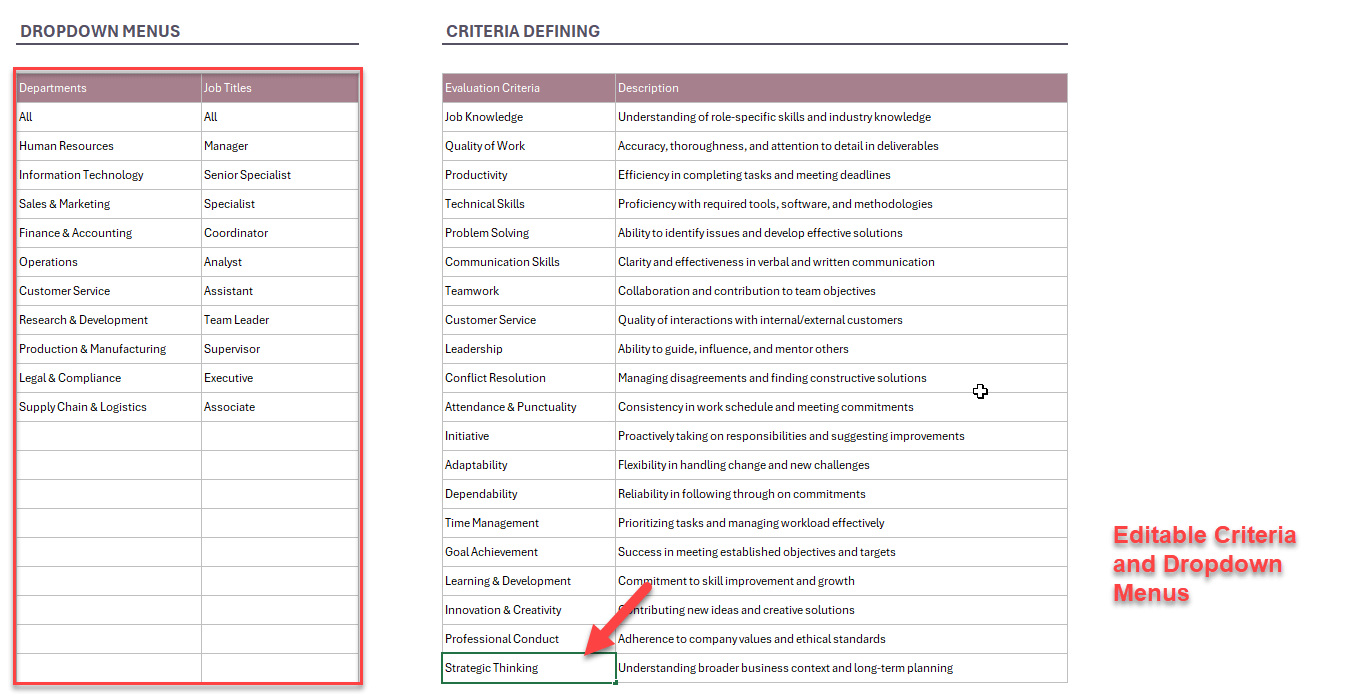
  • Clear rating scales and customizable criteria.

  • Automatic summaries and dashboards that provide instant insights.

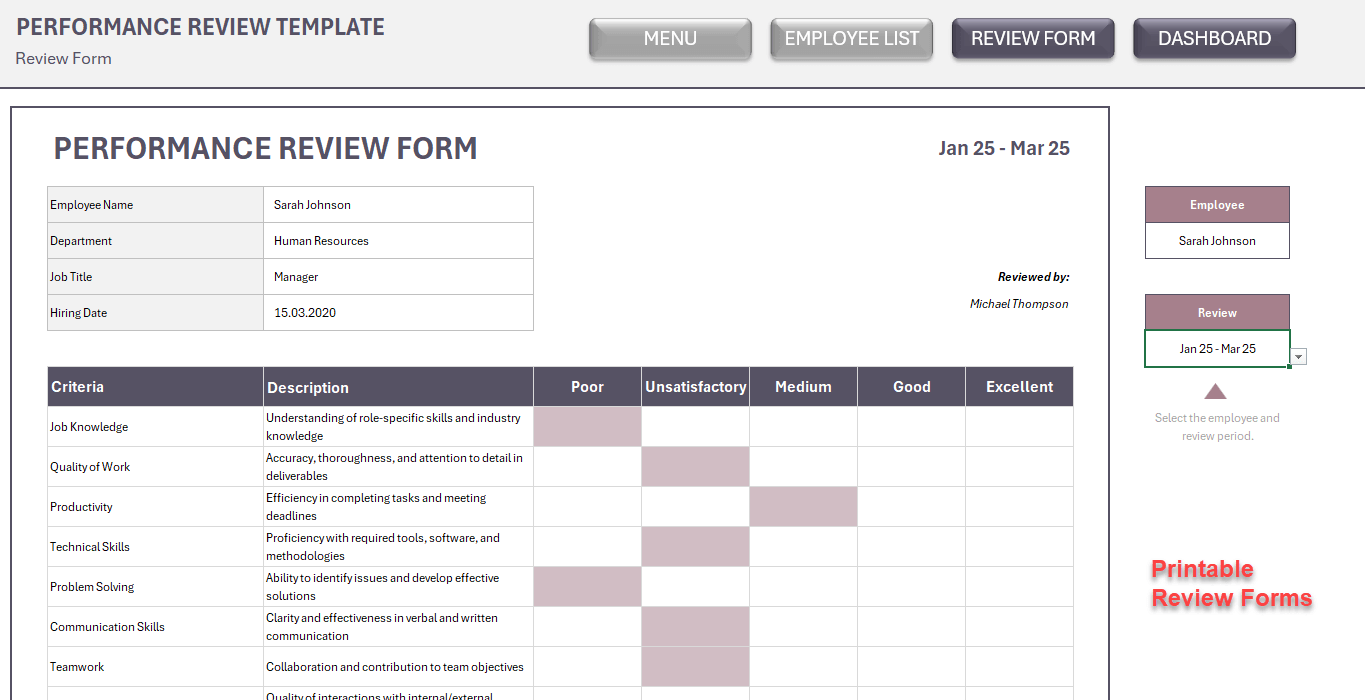
  • A printable review form for one-on-one feedback sessions.

  • Compatibility with Excel.

This ensures that every review is professional, transparent, and data-driven.


🔹 How It Works

The template is structured into five key sections:

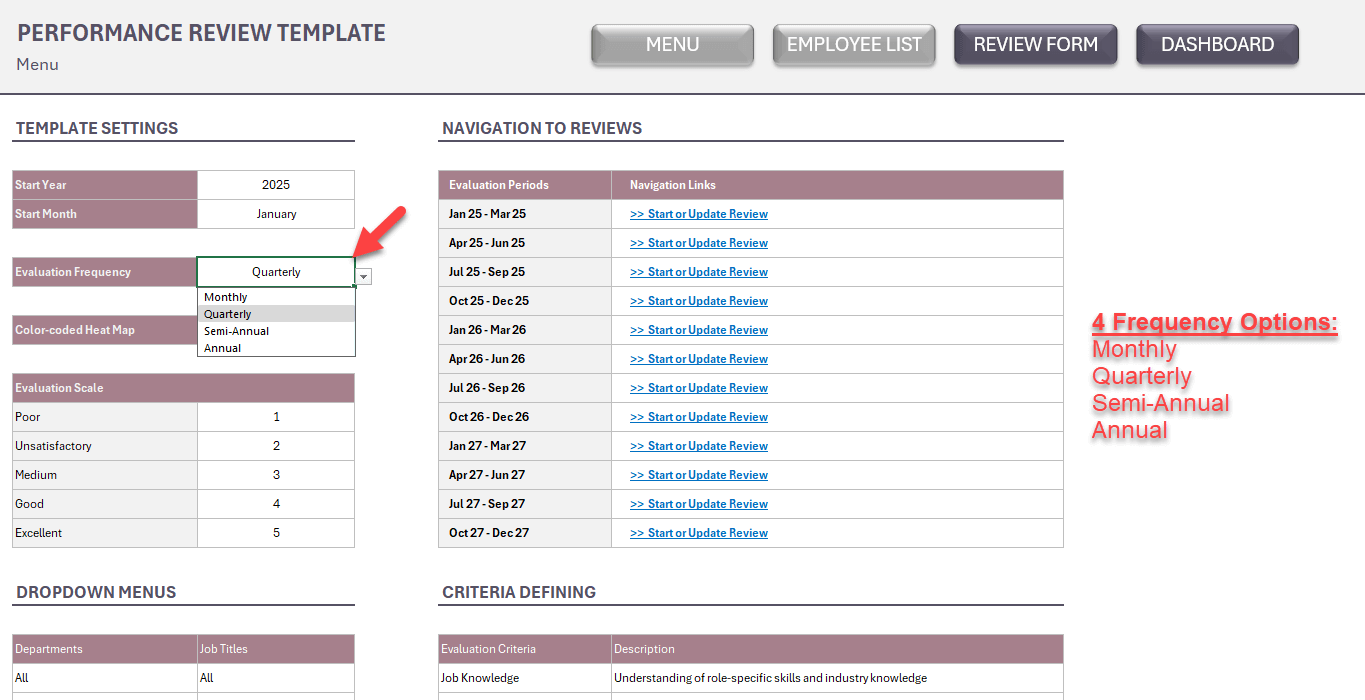
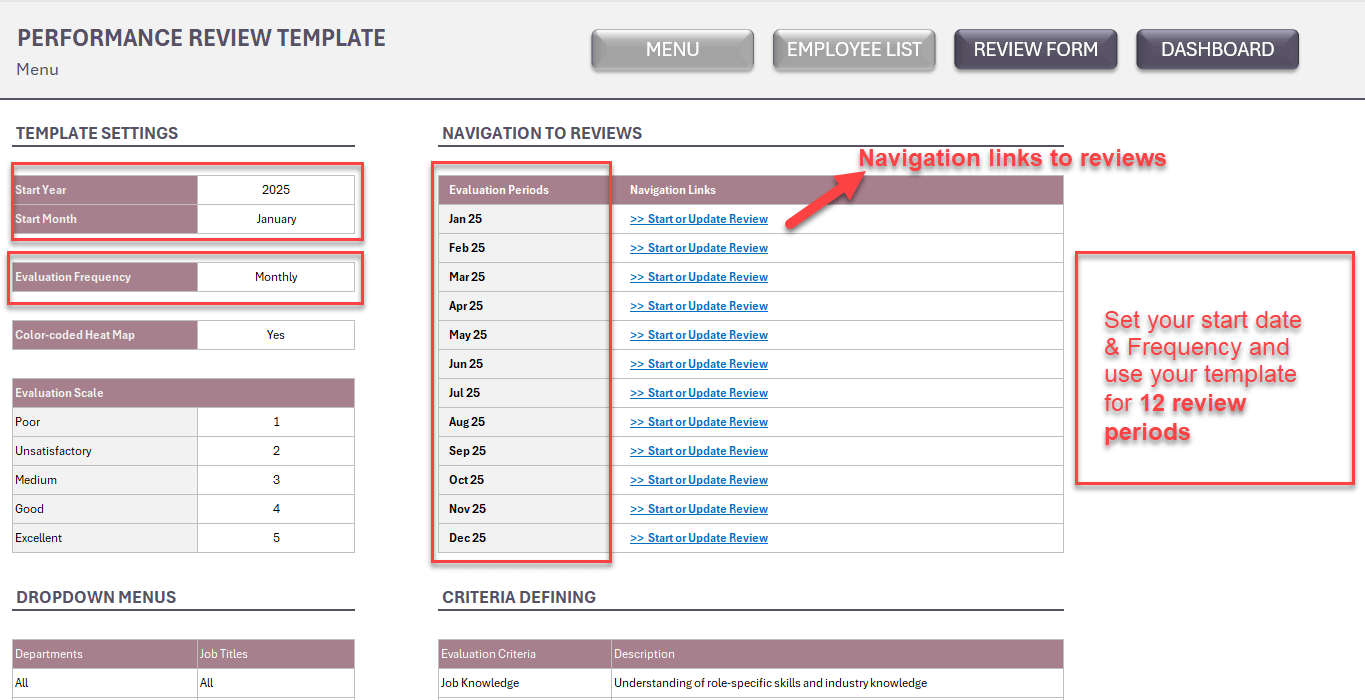
  1. Menu & Settings – Define your review cycle (annual, quarterly, or custom), choose your rating scale, set up departments and job titles, and adjust criteria. Navigation links allow quick access to each review period.

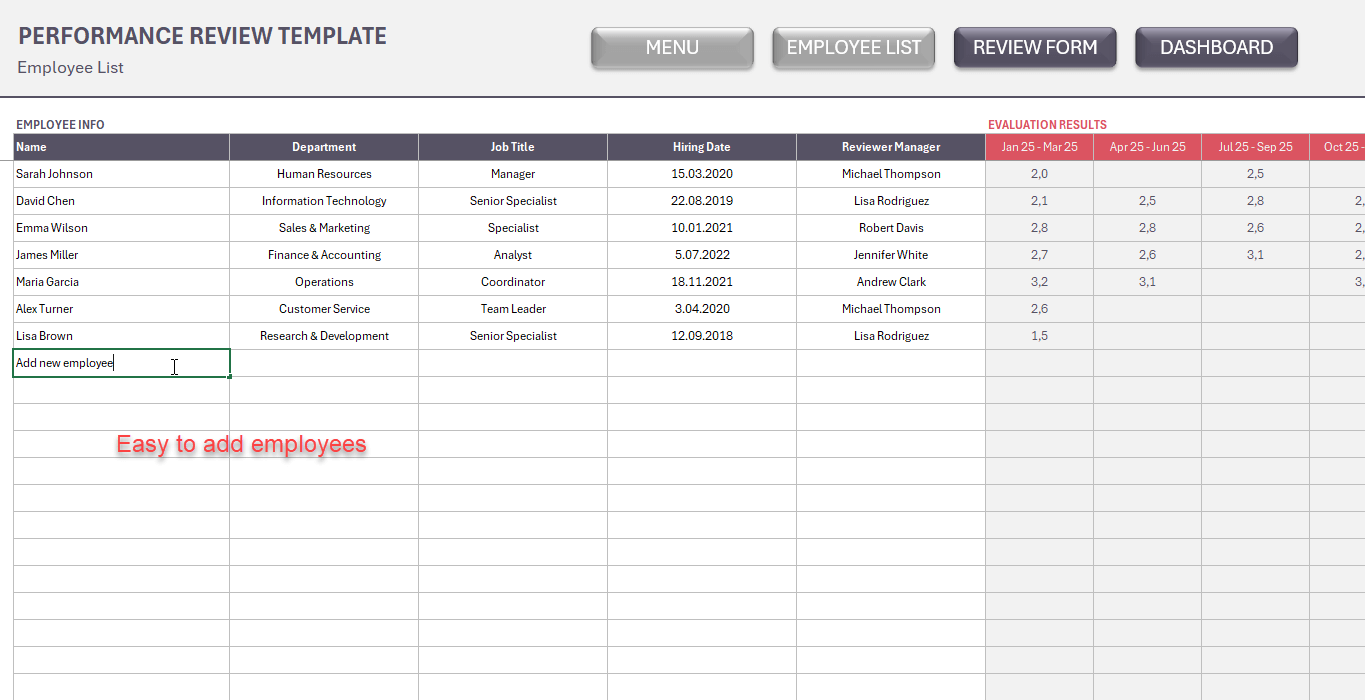
  2. Employee List – Store employee information and track their review history.

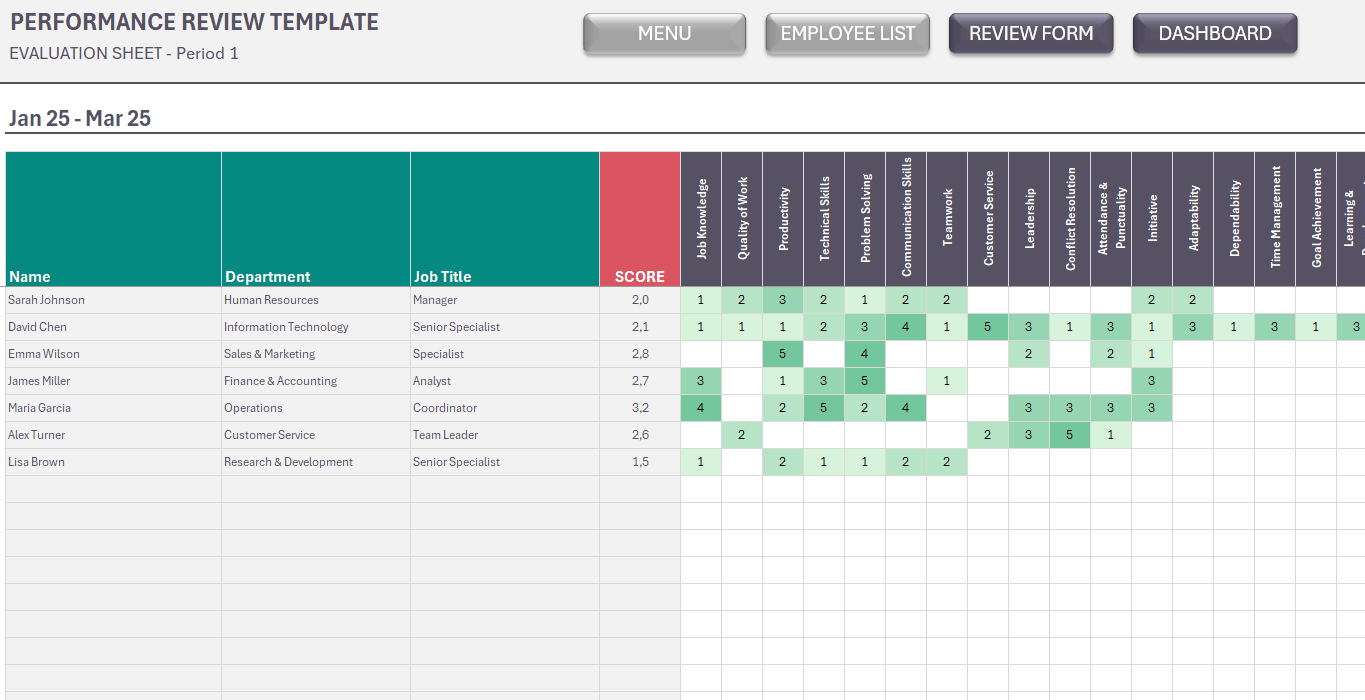
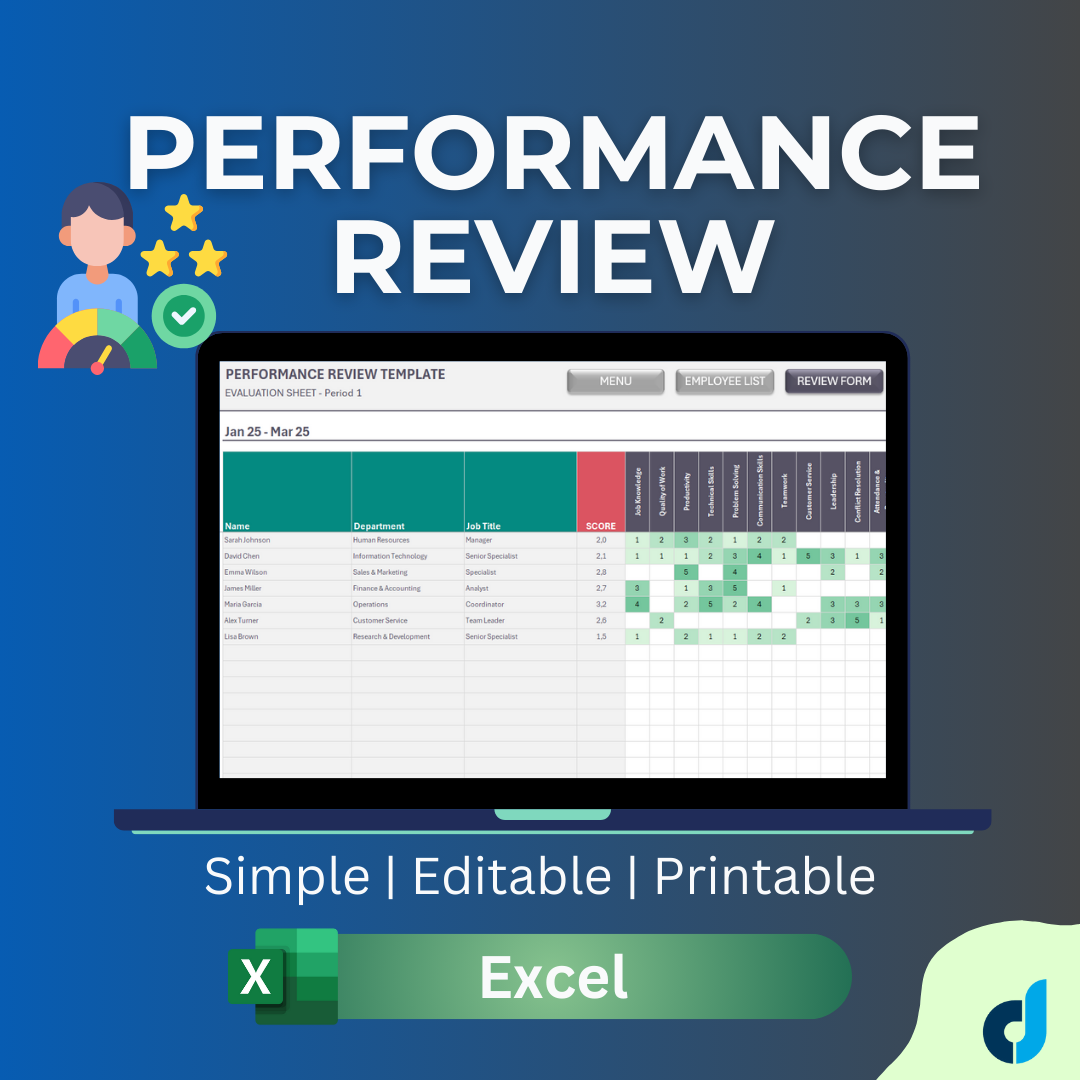
  3. Review Sheets – Enter ratings for each employee based on the selected performance criteria.

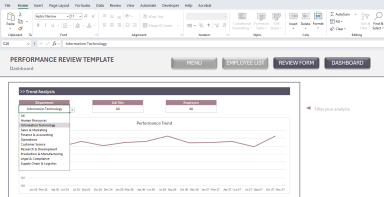
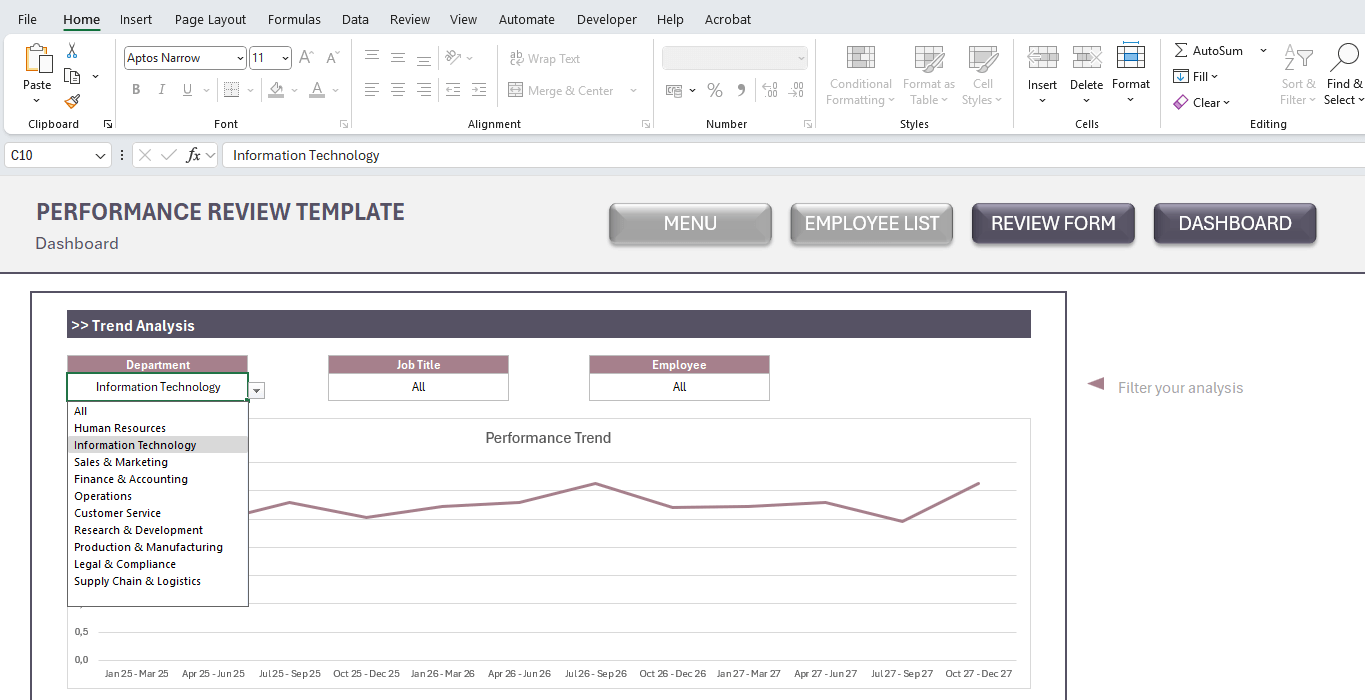
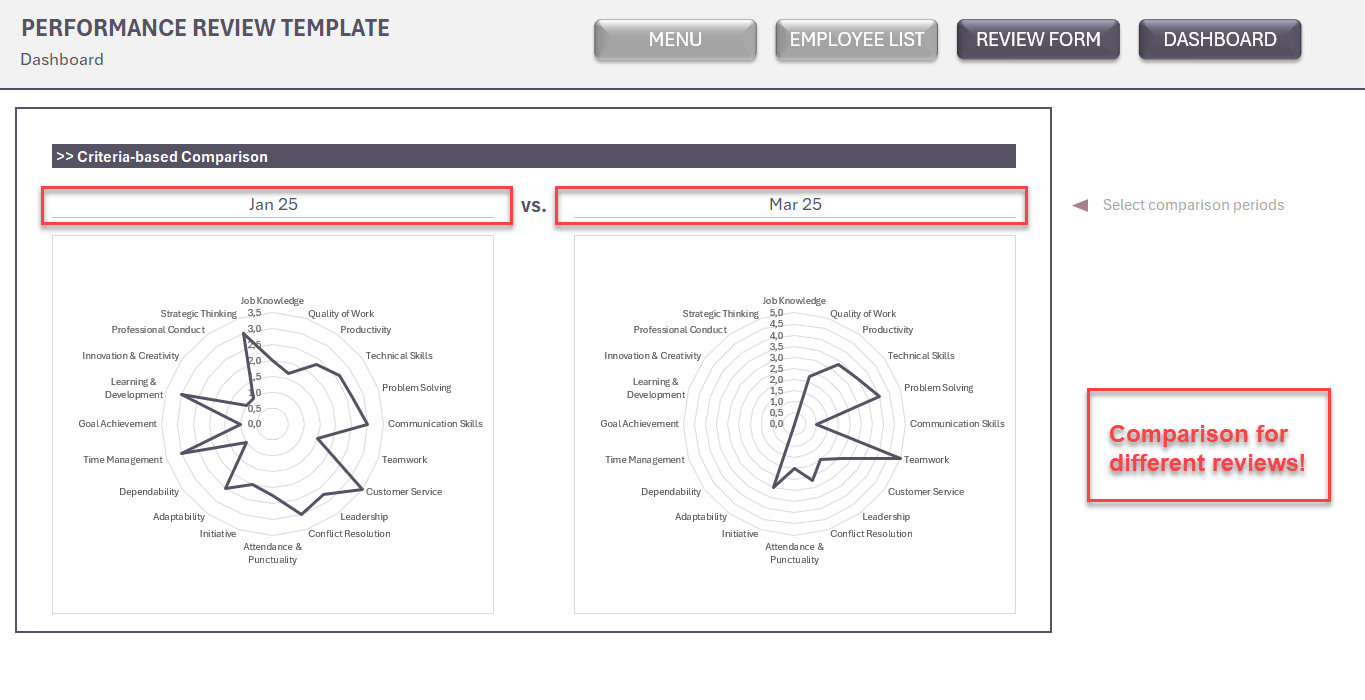
  4. Dashboard – Visualize employee performance with summaries and filters for deeper analysis.

  5. Review Form – Generate a ready-to-print evaluation form that includes ratings and comments for individual employees.

🔹 Key Features

  • ✔ Fully editable Excel template (customize criteria, scales, job roles, etc.)

  • ✔ Tracks employee performance across multiple review periods

  • ✔ Built-in dashboard for quick performance analysis

  • ✔ Printable forms for professional HR documentation

  • ✔ Saves time and improves accuracy in evaluations

  • ✔ Perfect for small businesses, startups, and HR departments

This Best Practice includes
1 Excel file

Acquire business license for $10.00

Add to cart

Add to bookmarks

Discuss

Further information

Rate employees, compare different review perids, create printable review forms for one-to-one meetings, summarize team performance on dashboard

This template is ideal for:

Managers conducting regular performance check-ins.

HR professionals looking to streamline the review process.

Small business owners who need a reliable and professional way to evaluate their team.

Startups that want to build structured HR processes from the beginning.


0.0 / 5 (0 votes)

please wait...