Ultimate Product Sales, Cost & Profit Dashboard – Track, Analyze & Grow
Originally published: 06/03/2025 08:46
Publication number: ELQ-53022-1
View all versions & Certificate
certified

Ultimate Product Sales, Cost & Profit Dashboard – Track, Analyze & Grow

Track sales, costs & profits with this ultimate dashboard. Analyze performance, optimize pricing & boost revenue with data-driven insights! 🚀📊

Description
Ultimate Product Sales, Cost & Profit Review Dashboard – Track, Analyze & GrowSummary:

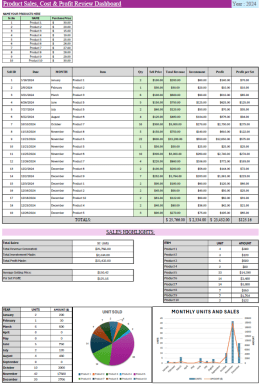
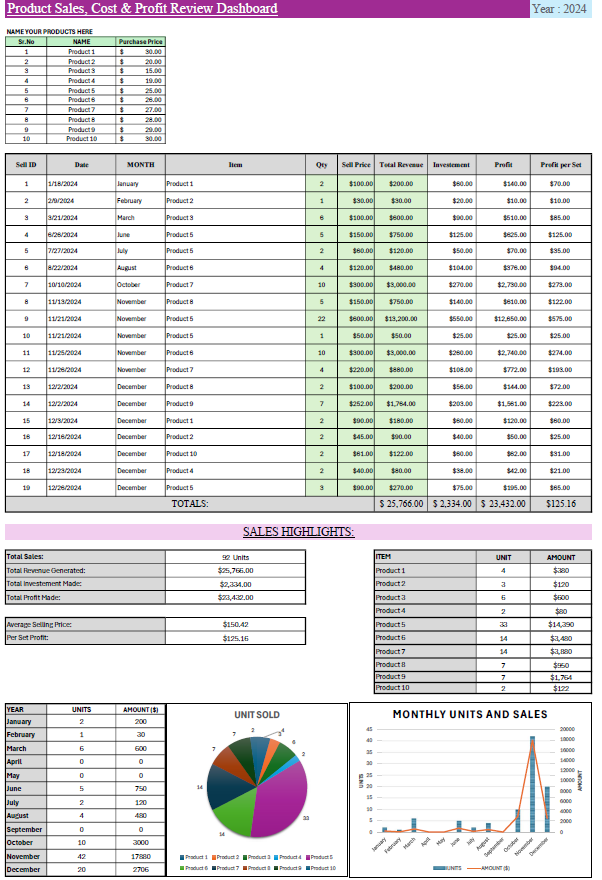
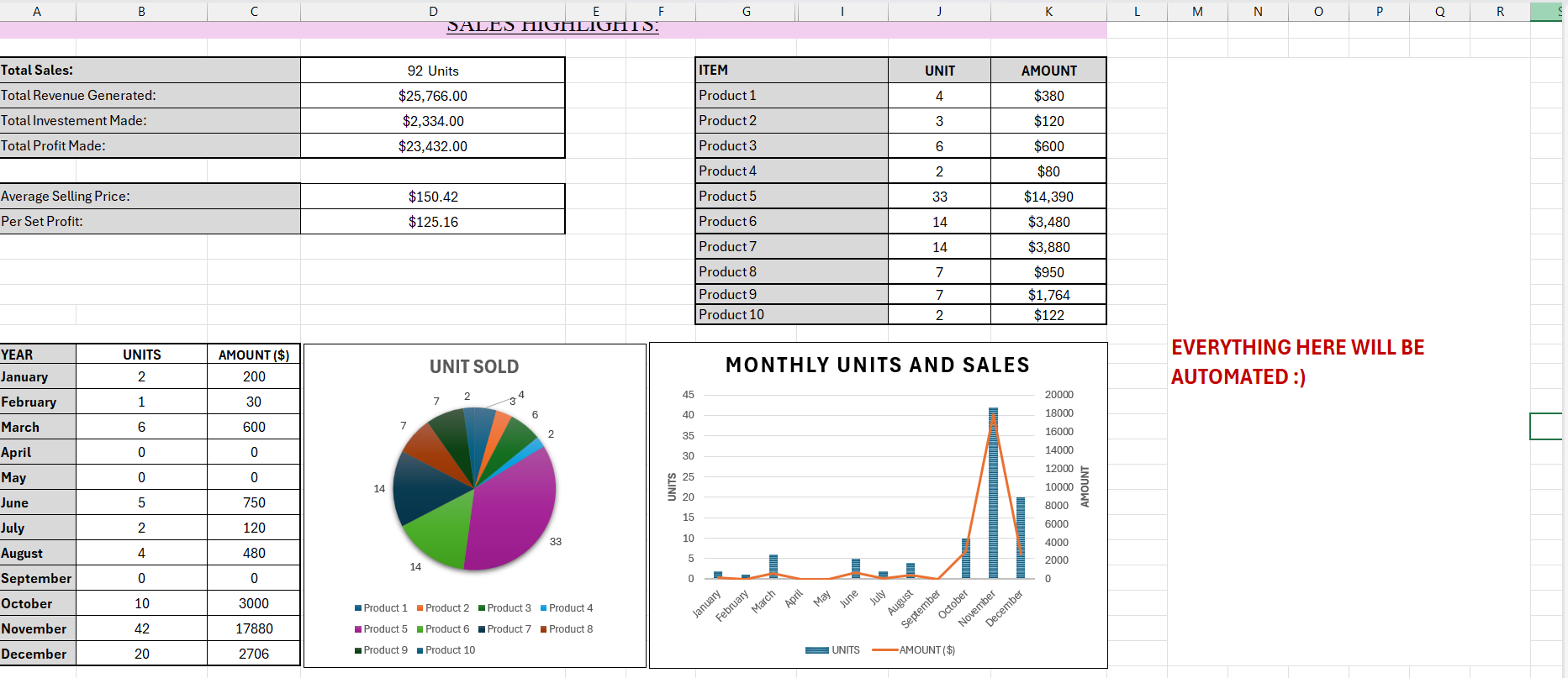
Maximize your product sales and profit potential with this powerful and easy-to-use Product Sales, Cost & Profit Review Dashboard. Designed for business owners, eCommerce sellers, and entrepreneurs, this template allows you to track sales, costs, and profits effortlessly.


With built-in formulas and automated calculations, you can instantly analyze your product performance, identify high-margin items, and make data-driven decisions. The dashboard provides an intuitive overview of revenue, costs, and net profit, helping you optimize pricing strategies and improve sales performance.

This tool also assists in review generation by tracking top-selling products, allowing you to focus on customer feedback and marketing strategies to boost conversions. Whether you're selling on Shopify, Amazon, Etsy, or your own store, this dashboard will help you gain valuable insights into your business growth.


Key Features:

✅ Sales & Profit Tracking – Monitor revenue, costs & profit in real time✅ Automated Calculations – No manual math; formulas handle everything✅ Product Performance Analysis – Identify best-sellers & slow-moving items✅ Easy Data Entry – Simple format for quick updates✅ Review Generation Strategy – Track top-selling products for feedback collection✅ Customizable Dashboard – Modify fields based on business needs


How to Use the Dashboard:

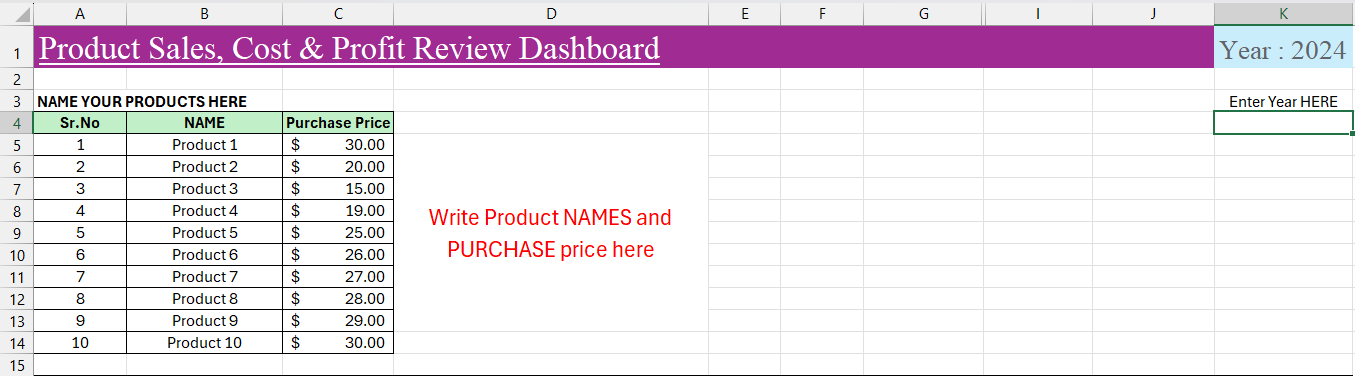
1️⃣ Enter Product Details:At the top of the spreadsheet, list your product names, purchase costs, and selling prices. These will be used for automatic profit calculations.

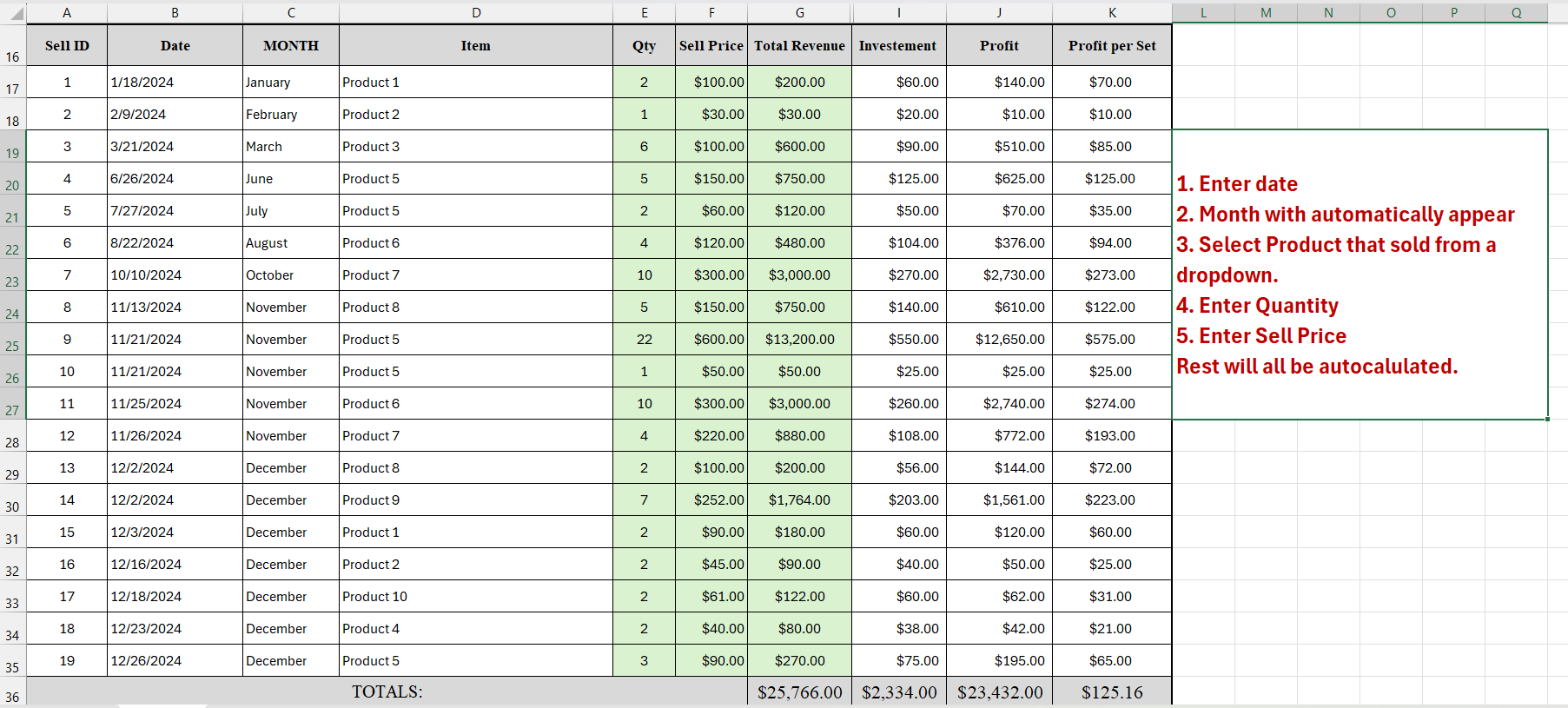
2️⃣ Log Sales Entries:In the main table, record each sale, including:

  • Date of Sale
  • Product Name (select from dropdown)
  • Quantity Sold
  • Total Sale Price (auto-calculated)
  • Cost of Goods Sold (COGS) (auto-calculated)
  • Profit Per Sale (auto-calculated)

3️⃣ Analyze & Optimize:The dashboard will automatically update to show revenue, cost, and profit summaries. Use the insights to adjust pricing, manage inventory, and improve sales strategies.

💡 Tip: Regularly review your top-selling products and encourage customer reviews to enhance brand trust and increase conversions! 🚀


If you need a customized version of this dashboard or any similar tool tailored to your business needs, feel free to message us via our Eloquens channel. We're happy to help you create powerful solutions to track, analyze, and grow your business! 🚀

This Best Practice includes
1 x Excel Template

Acquire business license for $10.00 $5.00

Add to cart

Add to bookmarks

Discuss


5.0 / 5 (1 votes)

please wait...
