Garment TNA (Time & Action) Calendar – Export Order Critical Path Planner in Excel
Originally published: 19/08/2026 16:21
Publication number: ELQ-96071-1
View all versions & Certificate
certified

Garment TNA (Time & Action) Calendar – Export Order Critical Path Planner in Excel

An Excel-based Time & Action (TNA) calendar for garment exporters that tracks every milestone from order confirmation to shipment.

Description
The Garment TNA (Time & Action) Calendar is a formula-driven Excel planning tool built for merchandisers, production managers, and garment exporters who need to keep an order on schedule from confirmation through shipment. In garment manufacturing, missing a single upstream milestone — a late fabric booking, a delayed sample approval — can cascade into a missed shipment date and buyer penalties. This template gives you a single, live view of the entire order timeline so delays are caught early, not discovered at the last moment.

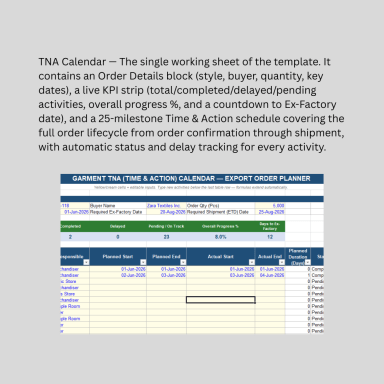
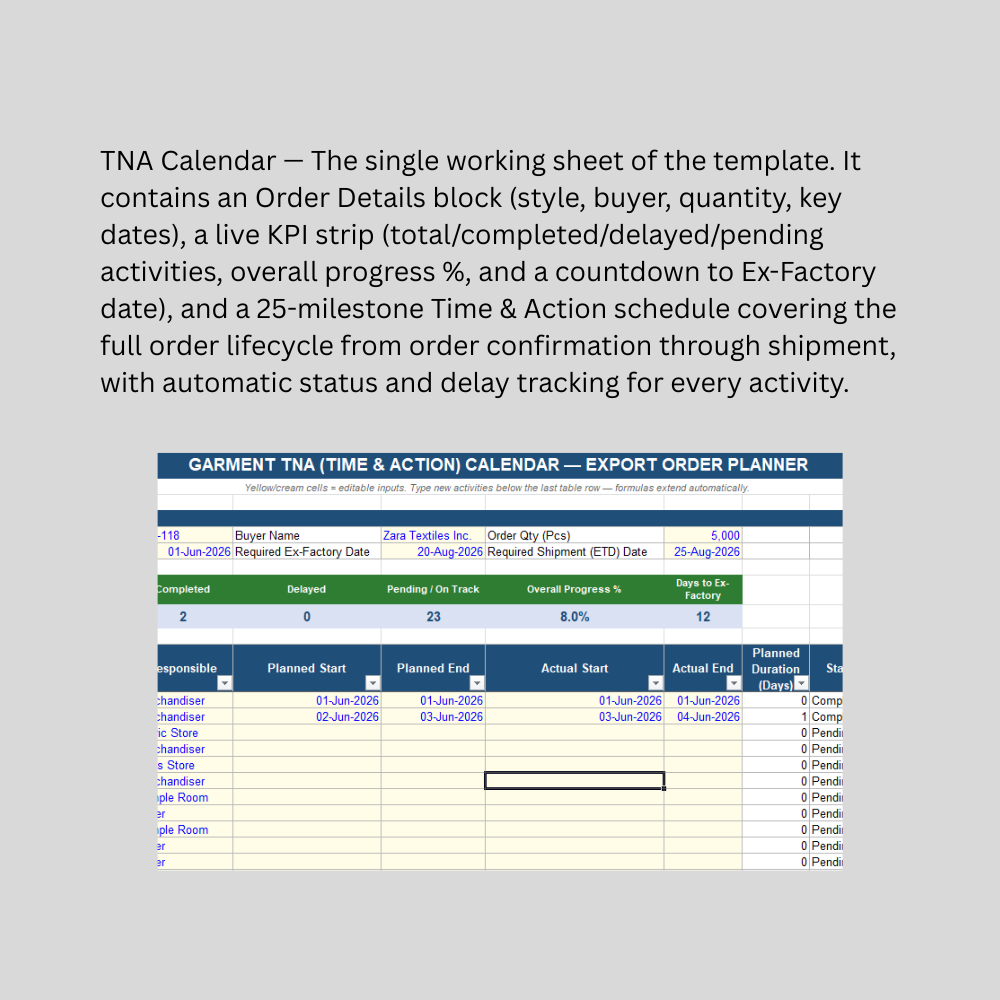
The sheet opens with an Order Details section capturing style number, buyer, order quantity, order confirmation date, and the two dates that matter most: required ex-factory date and required shipment (ETD) date. A live KPI strip above the schedule shows total activities, how many are completed, delayed, or still pending/on track, an overall progress percentage, and a real-time countdown of days remaining to the ex-factory date.

Below that sits a 25-milestone Time & Action schedule pre-loaded with the standard sequence used across the garment export industry: fabric and trims sourcing, lab dips, proto/fit/size-set/PP sample approvals, the PP meeting, cutting, sewing, mid-line inspection, finishing, final AQL inspection, packing, ex-factory, vessel/flight booking, loading, and buyer documentation. Each activity automatically calculates planned duration, a live status (Pending, On Track, Delayed, or Completed), and delay days — comparing actual progress against plan without any manual tracking. Built as a native Excel Table, you can edit, reorder, or add milestones freely, with formulas extending automatically to new rows.

This Best Practice includes
1 excel template file (xlsx) with instruction set

Acquire business license for $19.00

Add to cart

Add to bookmarks

Discuss

Further information

Track every key milestone in a garment export order from confirmation to shipment in one place
Automatically flag delayed activities before they threaten the shipment date
Provide real-time visibility into overall order progress and days remaining to ex-factory
Standardize the TNA process across merchandisers and production teams using one consistent template
Reduce missed or forgotten milestones that commonly cause late shipments

Garment and apparel exporters managing the full production-to-shipment timeline for an order
Merchandisers and production planners who need a shared, single-order TNA reference
Orders following a fairly standard garment production sequence (sourcing, sampling, cutting, sewing, finishing, QC, shipment)
Teams wanting a lightweight, editable planning tool without dedicated project management software
Situations where tracking planned vs. actual dates and catching delays early is a priority

Multi-order or multi-style TNA management requiring a consolidated view across dozens of orders simultaneously (this template is built for one order/style at a time; use one copy per order)
Projects needing full Gantt chart visualization, dependency mapping, or automatic date cascading between linked activities
Highly complex supply chains with parallel workstreams that don't follow the standard linear sequence provided
Teams requiring integrated task assignment, notifications, or collaboration features beyond a spreadsheet
Situations requiring contractually binding delivery schedules — this tool is a planning and tracking aid only, not a substitute for formal buyer-supplier agreements


0.0 / 5 (0 votes)

please wait...