Recruitment & Hiring Pipeline Tracker – Excel Template with Live KPIs and Stage Tracking
Originally published: 12/09/2026 19:04
Publication number: ELQ-25648-1
View all versions & Certificate
certified

Recruitment & Hiring Pipeline Tracker – Excel Template with Live KPIs and Stage Tracking

An Excel recruitment tracker that follows every candidate from application to hire.

Description
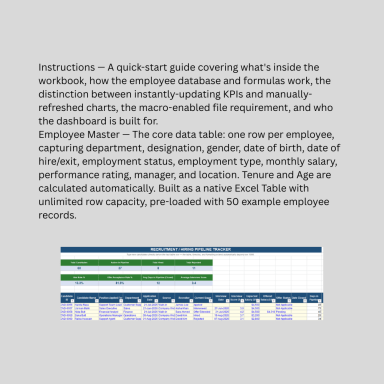
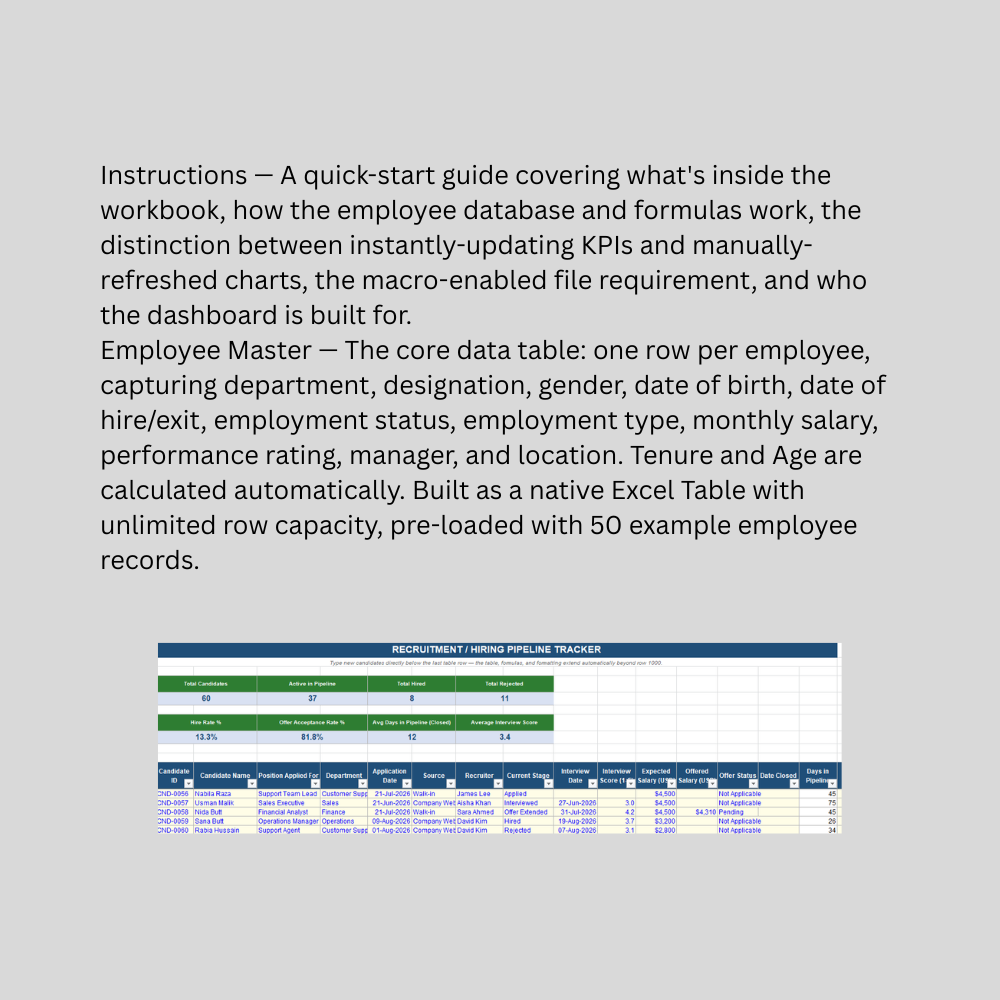
This Recruitment & Hiring Pipeline Tracker is a formula-driven Excel template built for HR teams, recruiters, and small business owners who need a clear, centralized view of every candidate moving through the hiring process — without the cost or complexity of a full Applicant Tracking System. Rather than juggling candidate status across emails and sticky notes, this tool gives you one place to log, track, and report on hiring activity from first application through final decision.The template logs candidate details (name, position, department, application date, source), interview information (date, score), compensation (expected vs. offered salary), and a nine-stage pipeline status ranging from Applied and Screening through Interview stages, Offer Extended, Offer Accepted, Hired, Rejected, and Withdrawn. A standout formula automatically calculates Days in Pipeline — counting from application date to today for active candidates, but correctly freezing at the candidate's closure date once they're marked Hired, Rejected, or Withdrawn, so your time-to-hire metrics stay accurate rather than continuing to inflate after a decision is made.A live KPI strip at the top surfaces the metrics that matter most to hiring managers: total candidates, how many are still active in the pipeline, total hired and rejected counts, hire rate, offer acceptance rate (calculated only from candidates who actually received an offer), average days in pipeline for closed candidates, and average interview score. Built as a native Excel Table, the tracker scales without limit — add new candidates by typing into the row below the last one, with dropdown validation and formulas extending automatically no matter how much hiring volume grows.

This Best Practice includes
1 excel dashboard file (xlsx) with instruction set

Acquire business license for $15.00

Add to cart

Add to bookmarks

Discuss

Further information

Provide a centralized system for tracking every candidate through the hiring pipeline
Automatically calculate hire rate, offer acceptance rate, and average time-to-decision
Track interview performance and compensation expectations versus actual offers
Give recruiters and hiring managers instant visibility into active pipeline volume
Support hiring process accountability and recruitment reporting to leadership
Scale from a handful of candidates to high-volume hiring with no extra setup

Small to mid-sized businesses managing recruitment without a dedicated ATS
HR teams and recruiters needing a fast, centralized candidate tracking system
Organizations wanting visibility into hire rate, offer acceptance, and time-to-hire metrics
Businesses with a standard, linear hiring process (application through interview to offer/hire)
Recruiting across multiple departments and positions simultaneously
Users comfortable with basic Excel data entry and dropdown-based stage tracking

High-volume enterprise recruiting requiring resume parsing, automated candidate sourcing, or job board integration
Organizations needing candidate self-service portals, automated interview scheduling, or email/SMS notifications
Multi-recruiter collaboration requiring simultaneous real-time editing and access controls
Compliance-sensitive recruitment processes requiring audit trails, EEO reporting, or candidate data retention policies mandated by law
Businesses needing integration with HRIS, payroll, or onboarding systems
Situations requiring certified recruitment records for legal or compliance purposes — this is an operational tracking tool, not a substitute for a dedicated ATS or legal/HR compliance guidance


0.0 / 5 (0 votes)

please wait...