FP&A Variance & Forecast Toolkit — Excel | Budget vs Actual | PVM Bridge | Rolling Forecast | Headcount Plan
Originally published: 12/06/2026 12:10
Publication number: ELQ-19048-1
View all versions & Certificate
certified

FP&A Variance & Forecast Toolkit — Excel | Budget vs Actual | PVM Bridge | Rolling Forecast | Headcount Plan

11-tab FP&A workbook: variance analysis, PVM bridge, rolling forecast, headcount plan, dashboard. Excel. $97.

Description

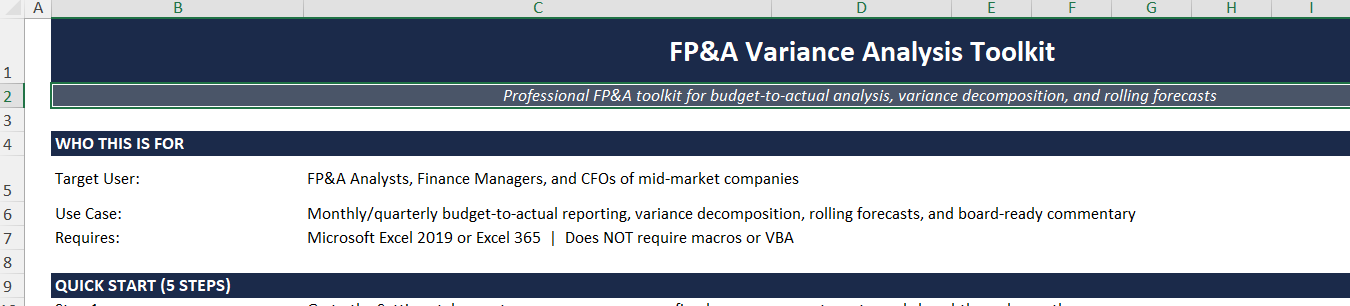
The FP&A Variance & Forecast ToolkitA self-contained Excel workbook for financial controllers and FP&A teams who need to present clean, board-ready variance analysis every month.

Enter your budget and actuals — the variance analysis, bridge, forecast, and dashboard build themselves.


Model Structure

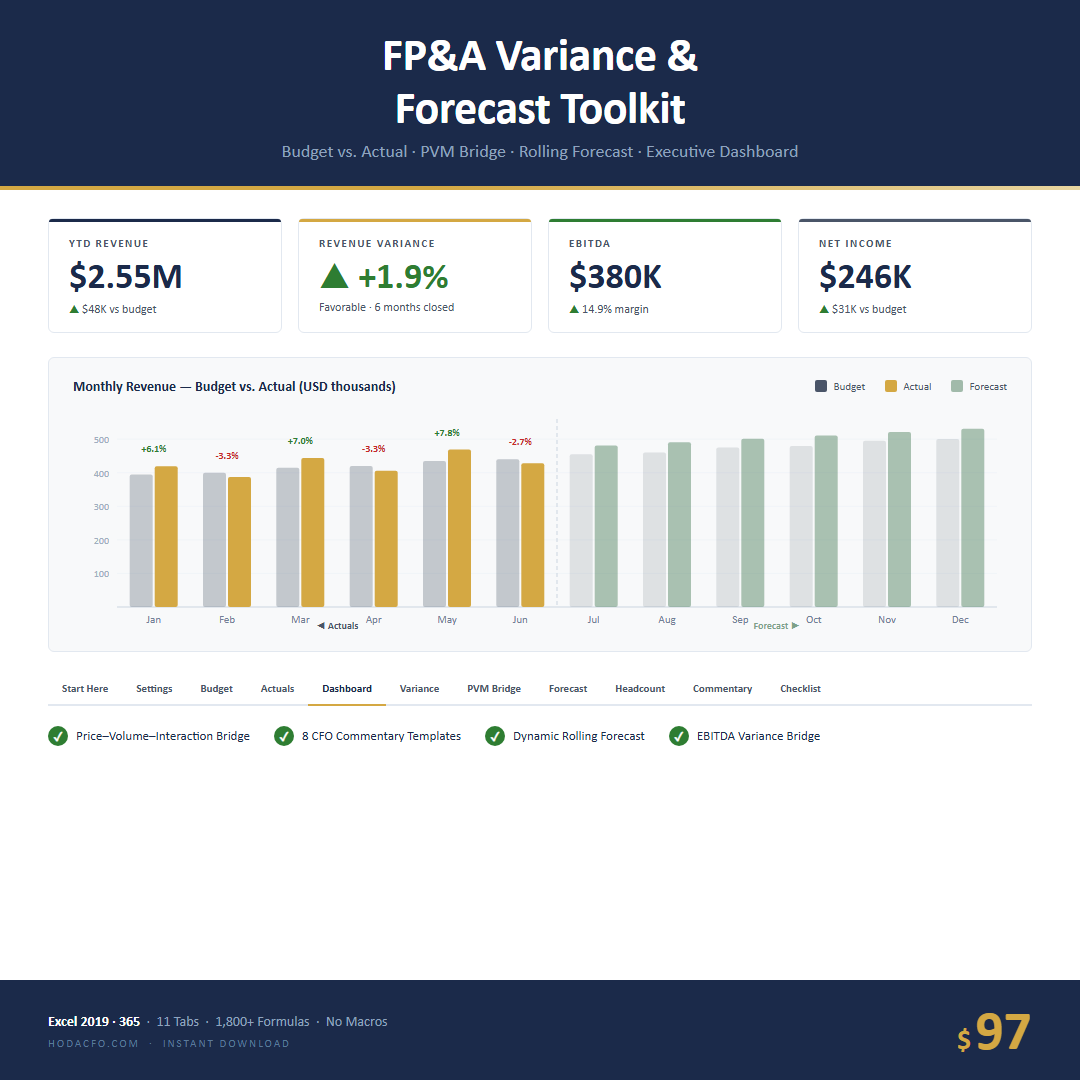
The workbook contains 11 fully documented tabs:


  1. Start Here — Setup guide, quick-start checklist, and row map

  2. Settings — Company name, fiscal year, currency, tax rate, closed-through month, scenario

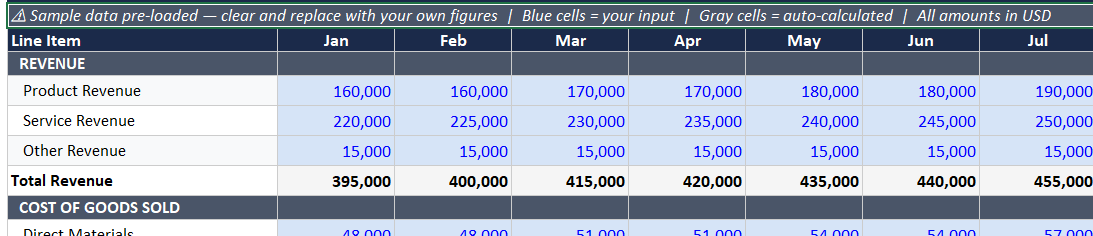
  3. Budget Input — Monthly budget by line item (Revenue through Net Income)

  4. Actuals Input — Monthly actuals, single entry point

  5. Variance Analysis — Budget vs. actual for every P&L line, all 12 months, with YTD and full-year columns; favorable/adverse color-coded

  6. PVM Bridge — Automatic Price–Volume–Interaction decomposition; enter budget and actual price/volume for each revenue line, the three-way split calculates automatically

  7. Rolling Forecast — Best-estimate forward view; closed months lock automatically as the year progresses

  8. Headcount Plan — Budget vs. actual HC by department; reconciles total headcount cost to the Salaries & Wages budget line

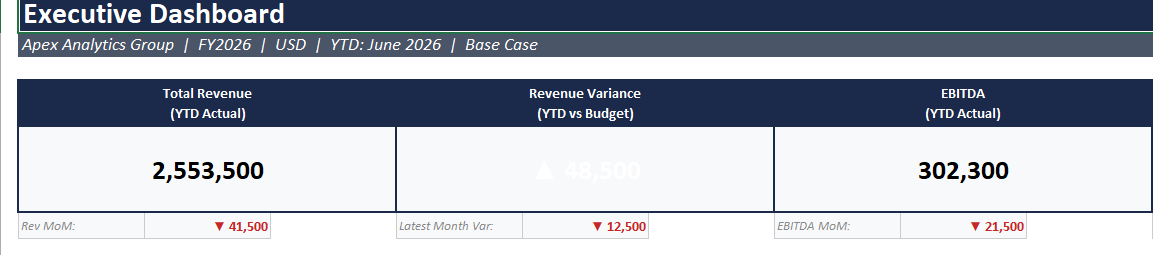
  9. Dashboard — One-page executive summary: Revenue Var, EBITDA Var, Net Income Var, YTD closed months, 12-month budget vs. actual bar charts, EBITDA variance bridge

  10. Commentary Templates — 8 board-ready narrative blocks for favorable, adverse, mixed, reforecast, headcount, and revenue-down-costs-down scenarios

  11. Month-End Checklist — 21-step close process to ensure nothing is missed


Key Methodological Features


  • Price–Volume–Interaction bridge uses the correct three-way decomposition (not the simplified two-way Price-Volume split common in simpler models)

  • Rolling Forecast distinguishes between locked actuals and open forecast months using a single flag cell per month

  • Headcount Plan includes a P&L reconciliation section comparing total loaded headcount cost to the Salaries & Wages budget line

  • All formulas are standard Excel — no Power Query, no structured tables that break on row insert, no VBA


Suitable For


  • Companies with $5M–$500M in annual revenue

  • Monthly close cycles with board or investor reporting

  • Finance teams of 1–5 people who own the full close process


Technical Specifications


  • Format: .xlsx (single file)

  • Compatibility: Excel 2019, 2021, Microsoft 365 (Windows and Mac)

  • No macros, no VBA, no add-ins required

  • Sample data pre-loaded; replace with your own figures

  • 11 tabs, ~1,800+ formula cells

This Best Practice includes
1 Excel workbook (.xlsx), 1 Quick Reference Card (.pdf), 1 Methodology Notes (.pdf)

Acquire business license for $97.00

Add to cart

Add to bookmarks

Discuss

Further information

Run a complete month-end close from a single workbook. Present board-ready variance analysis, decompose revenue into Price-Volume-Interaction effects, and maintain a rolling forecast that locks closed months automatically.

Companies with $5M–$500M revenue
running monthly close cycles with board or investor reporting.
Finance teams of 1–5 people who own the full close process in Excel.

Companies with $5M–$500M revenue running monthly close cycles with board or investor reporting.
Finance teams of 1–5 people who own the full close process in Excel.


0.0 / 5 (0 votes)

please wait...