

Publication number: ELQ-97866-1
View all versions & Certificate

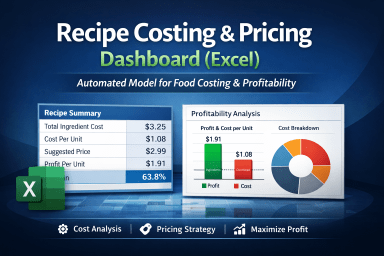
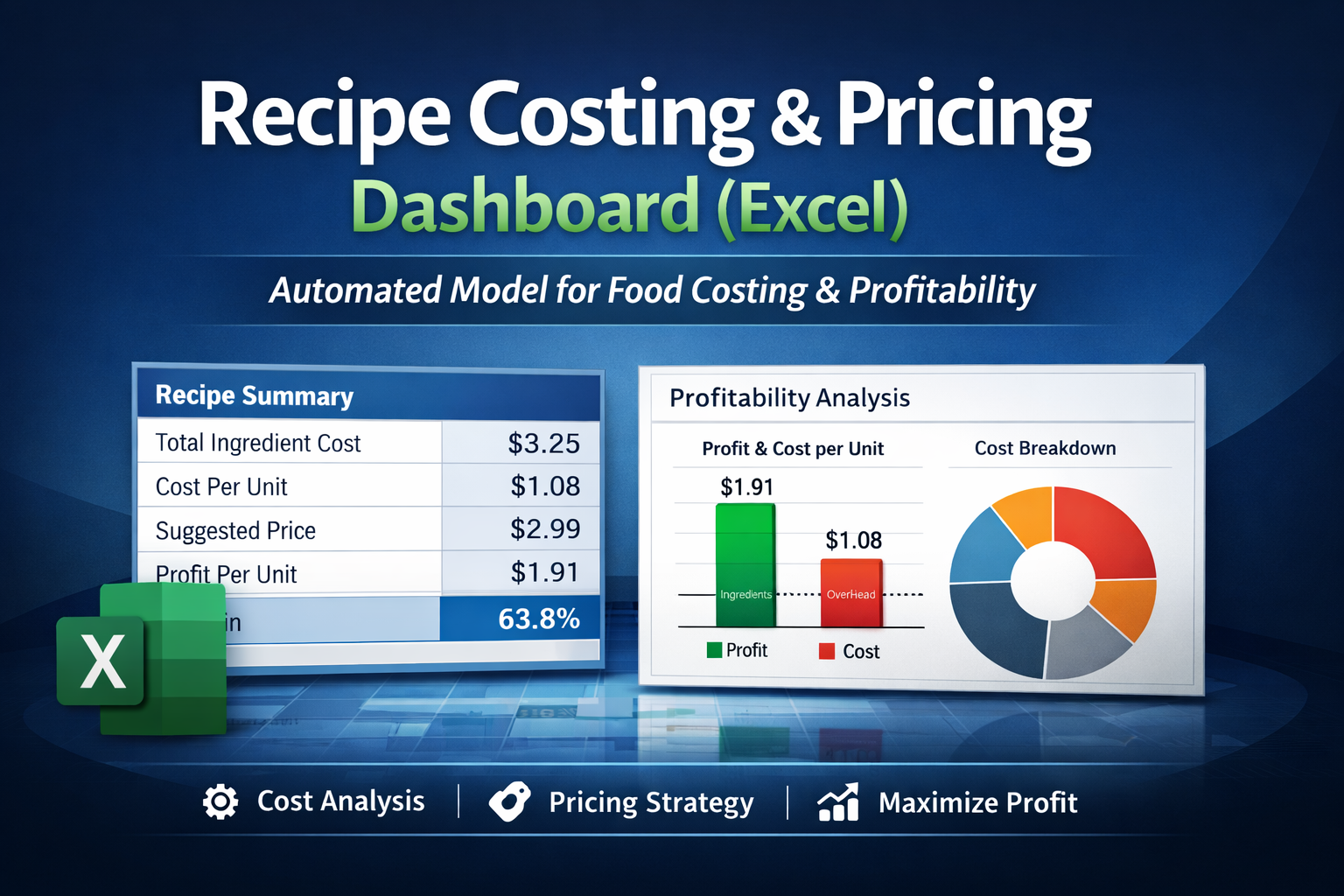
Recipe Costing & Pricing Dashboard (Excel) – Complete Template for Food Costing & Profitability
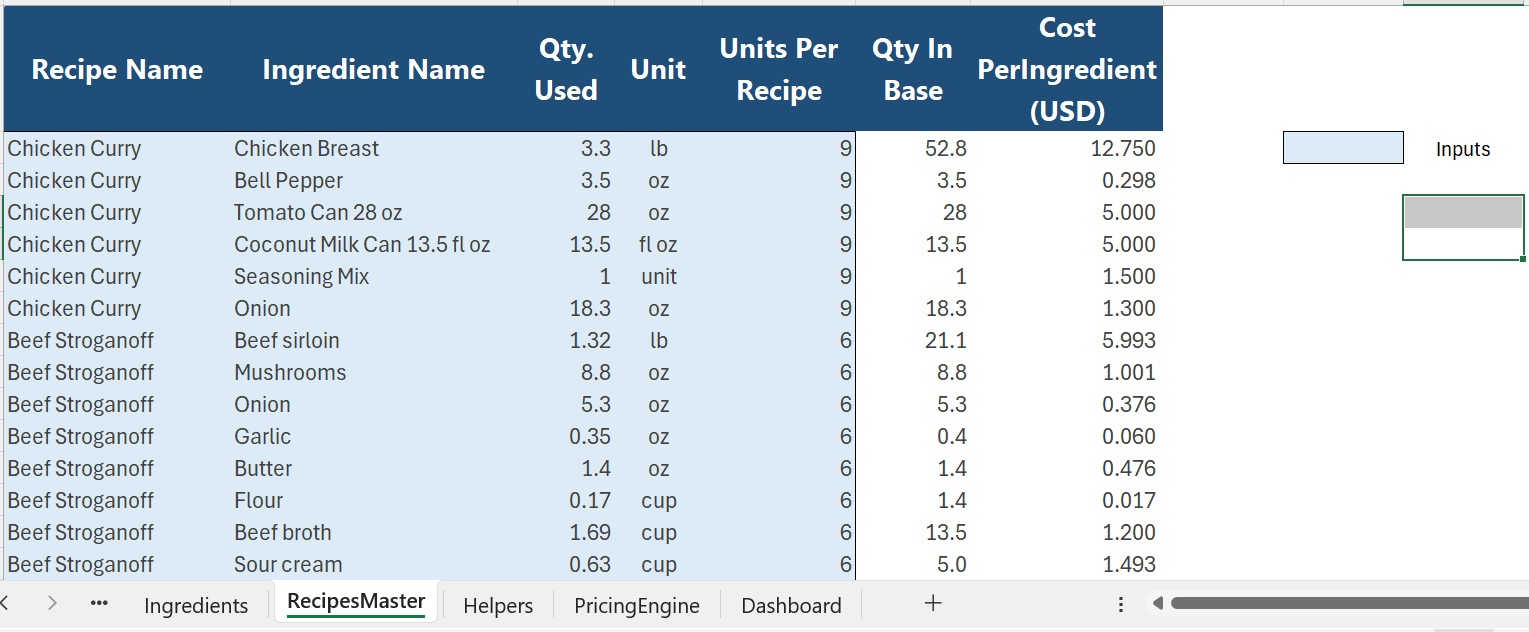
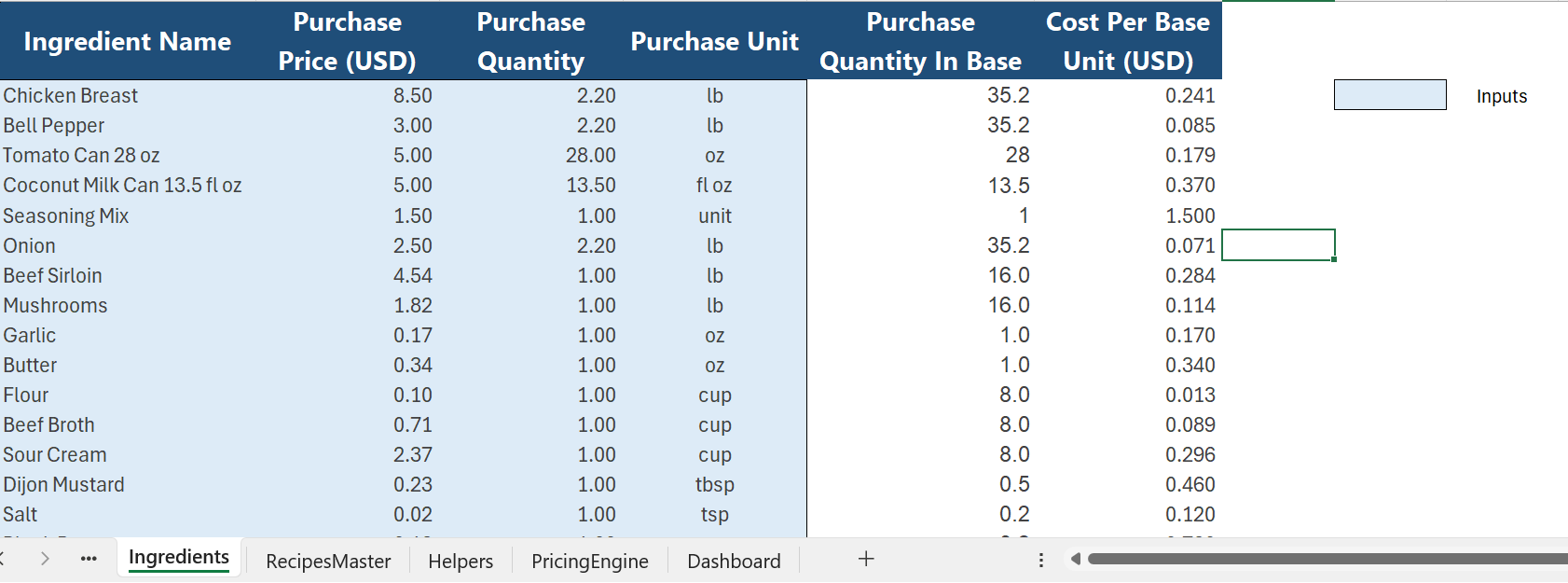
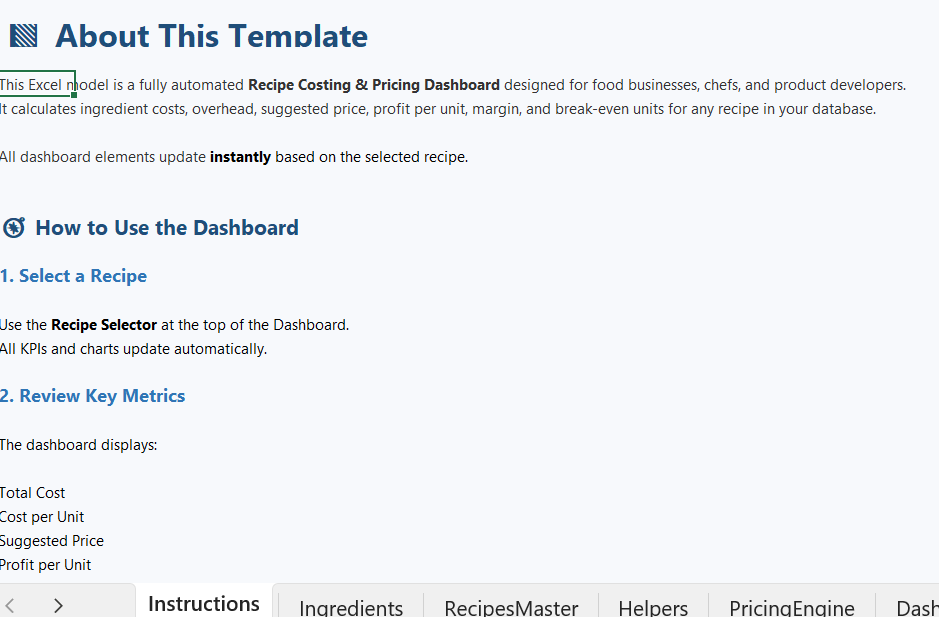
Automated Excel model to calculate recipe costs, margins, suggested price, and break‑even units. Includes Example Version + Blank Version.
Further information
This Best Practice aims to give food businesses a simple, accurate, and professional way to calculate recipe costs and set profitable prices.
Key objectives:
Automate recipe costing with a clean, structured Excel model.
Support smart pricing decisions using margin targets, overhead %, and fixed costs.
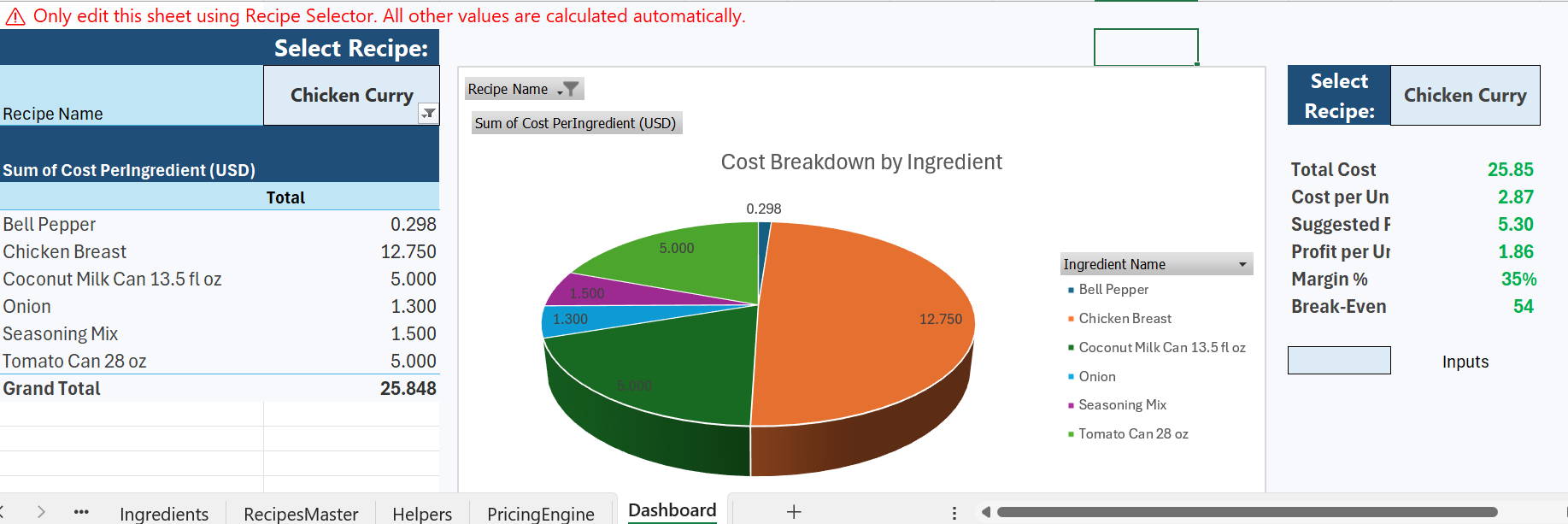
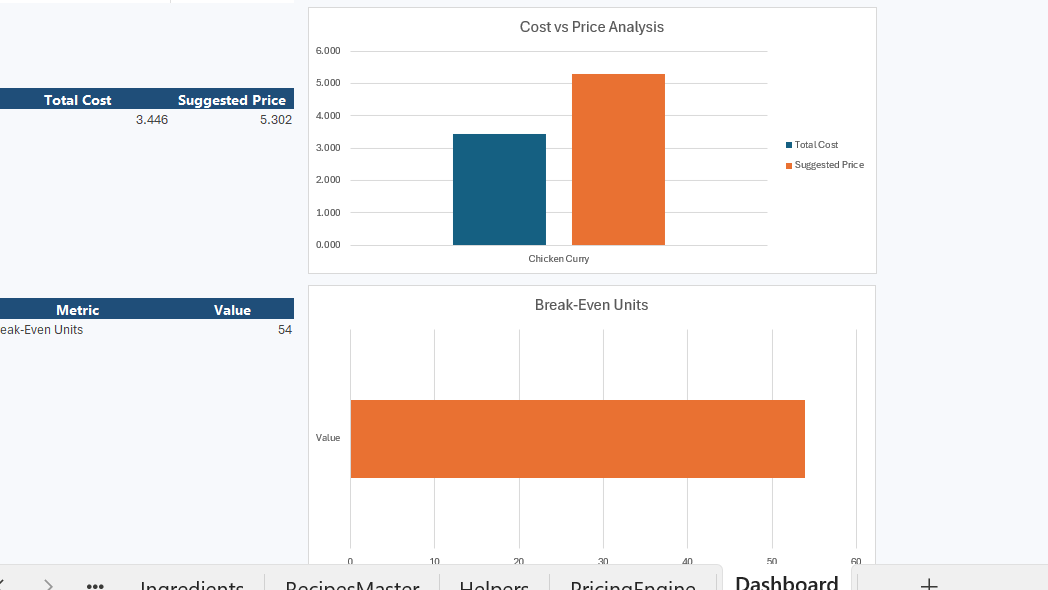
Provide instant profitability insights through an interactive dashboard.
Eliminate manual errors with protected formulas and automated conversions.
Offer two versions: an Example file to learn from and a Blank file to start from scratch.
Deliver a scalable tool suitable for restaurants, bakeries, meal prep, and food startups.
This Best Practice is most useful when:
You need a quick, accurate way to calculate recipe costs.
Ingredient prices change frequently and must be updated easily.
You want consistent pricing based on margins and overhead.
You need instant profitability insights for each recipe.
You want a clean, protected, and ready‑to‑use Excel model for your food business.
This Best Practice is not ideal when:
A business requires complex manufacturing costing (multiple production stages, labor routing, batch yields).
The user needs multi‑location inventory management or stock tracking.
The operation depends on real‑time system integrations (POS, ERP, or accounting software).
Pricing must follow advanced financial modeling (scenario simulations, elasticity, multi‑currency).
The user expects a fully automated database rather than a structured Excel tool.
