


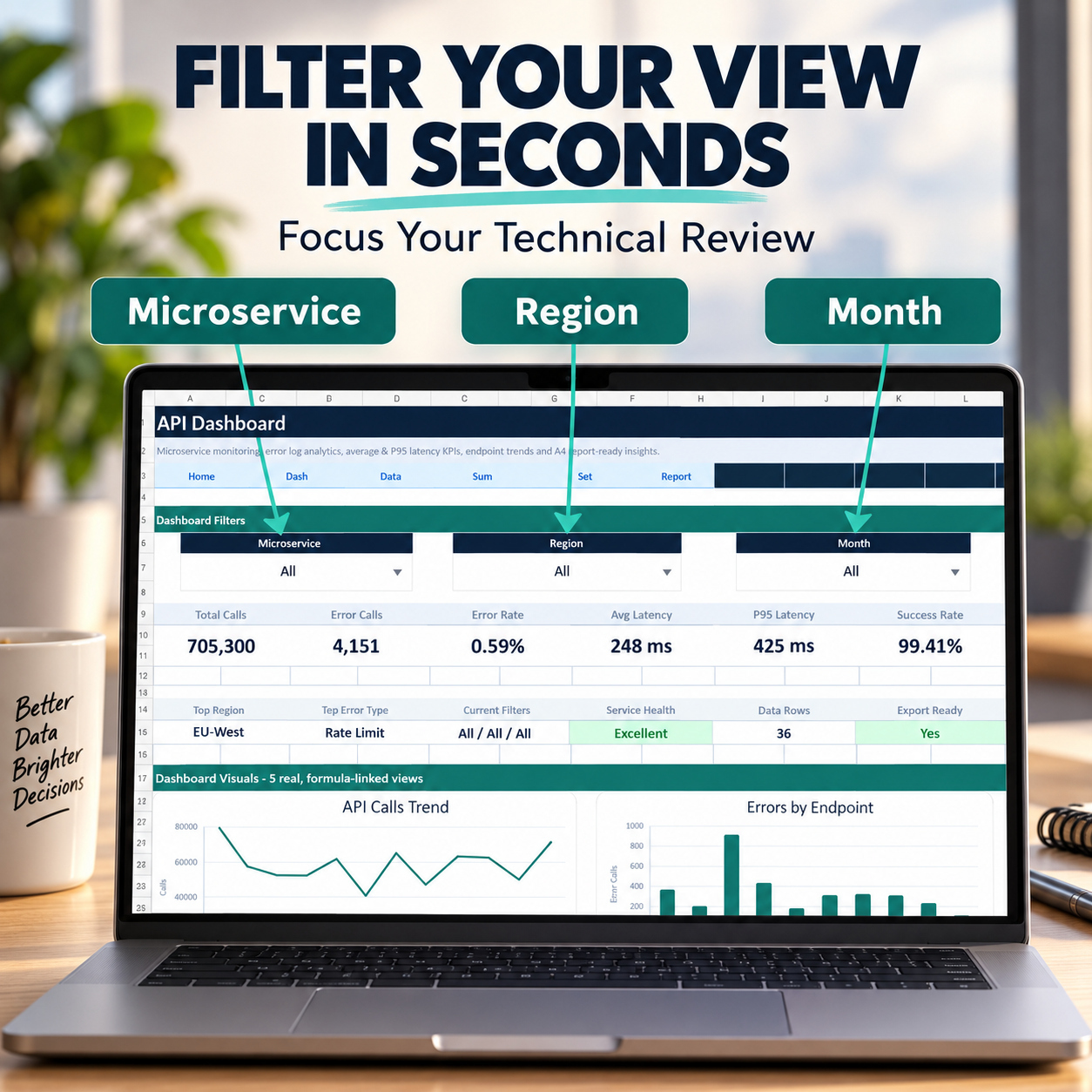
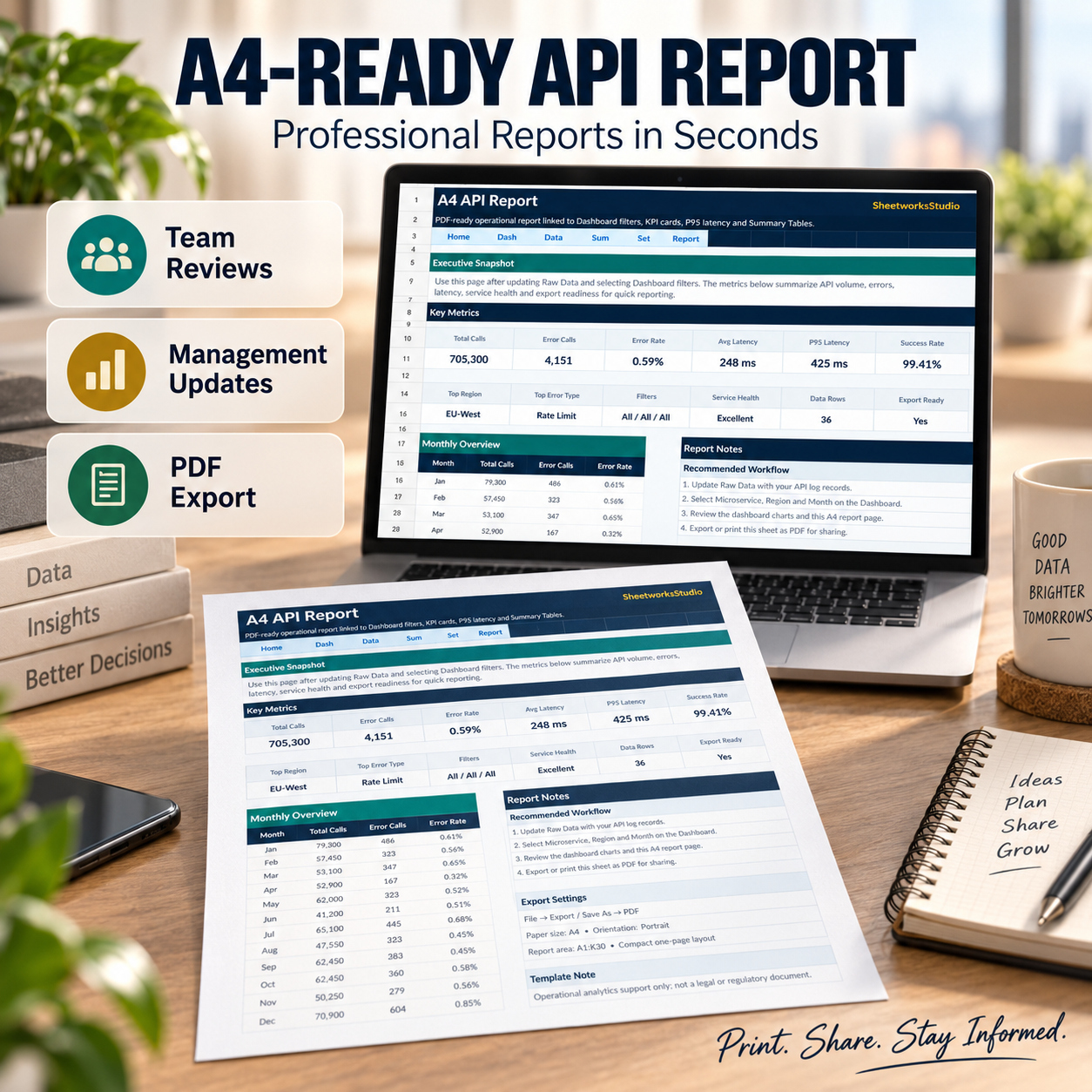


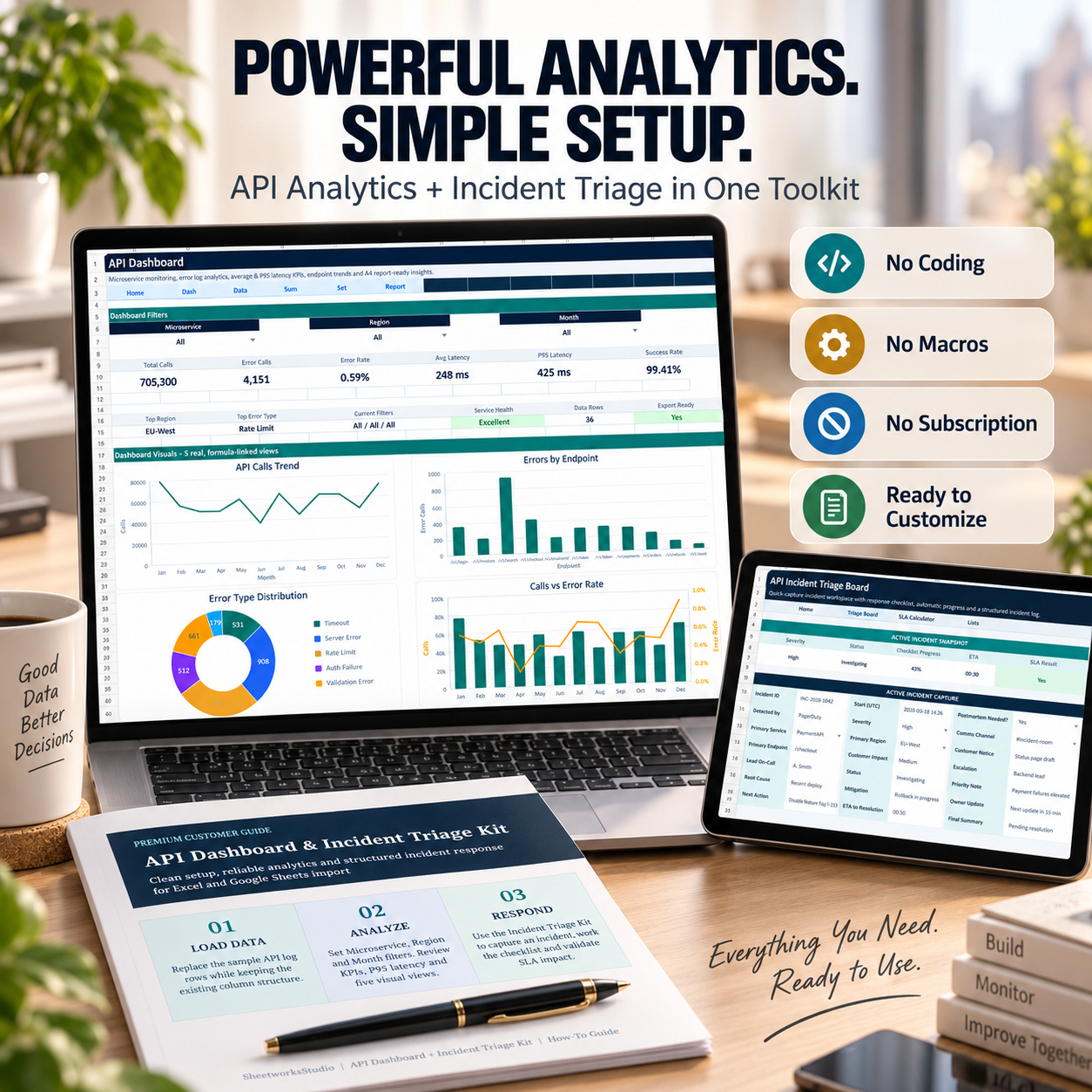
API Analytics Excel Dashboard | Error Logs, Latency KPIs, Microservices, Incidents & SLA Tracker
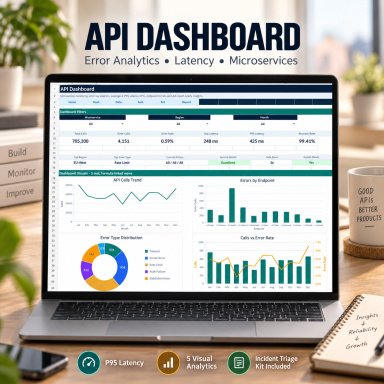
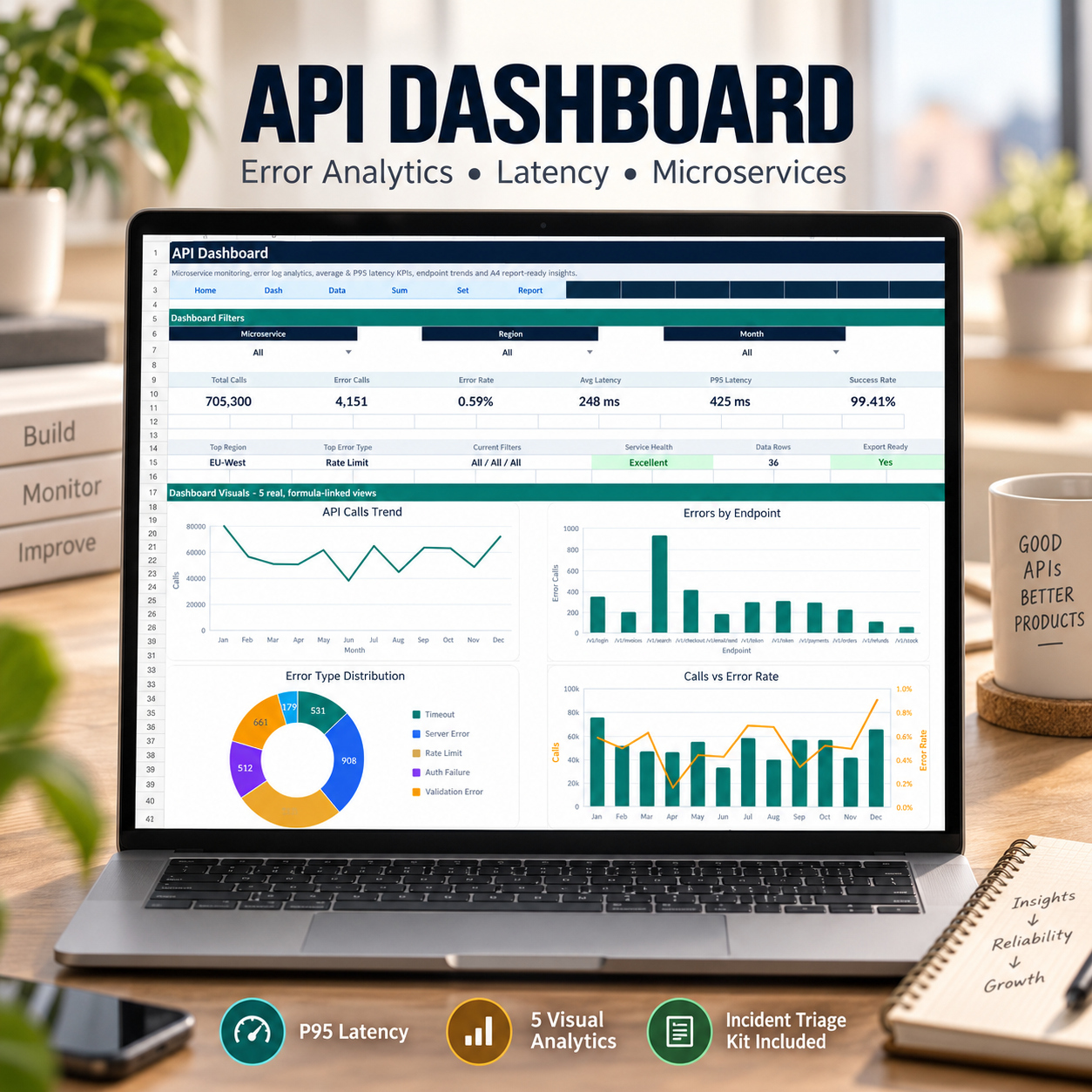
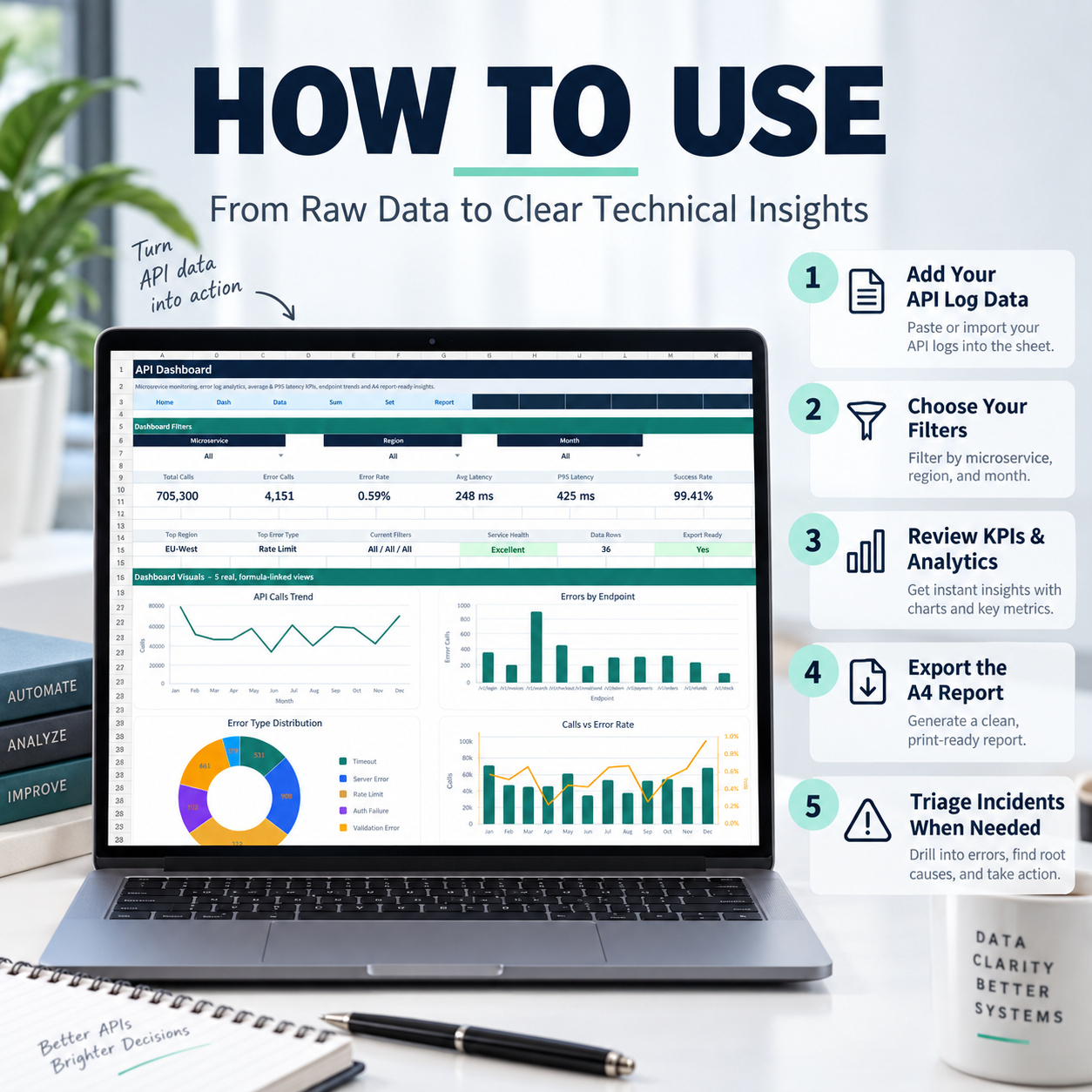
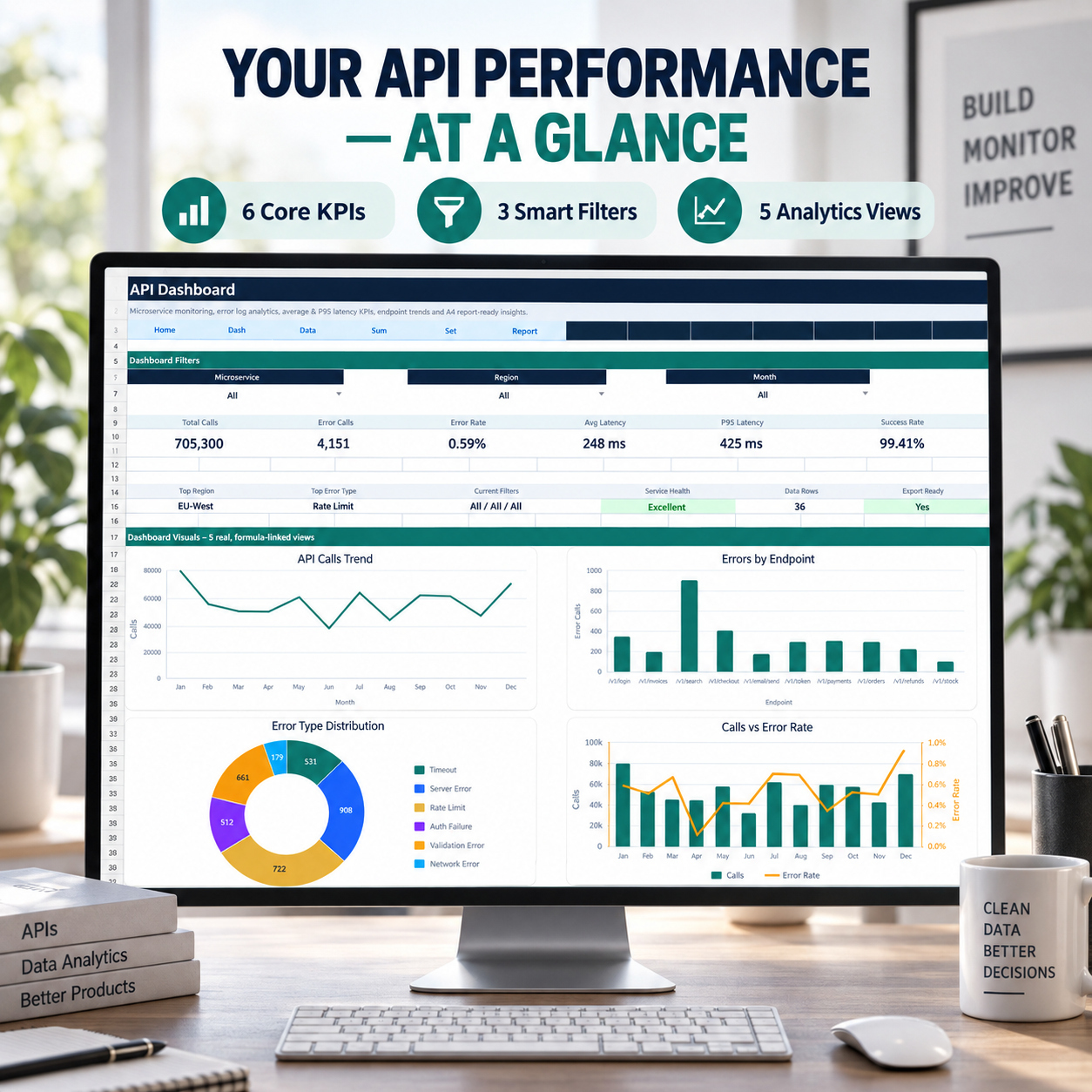
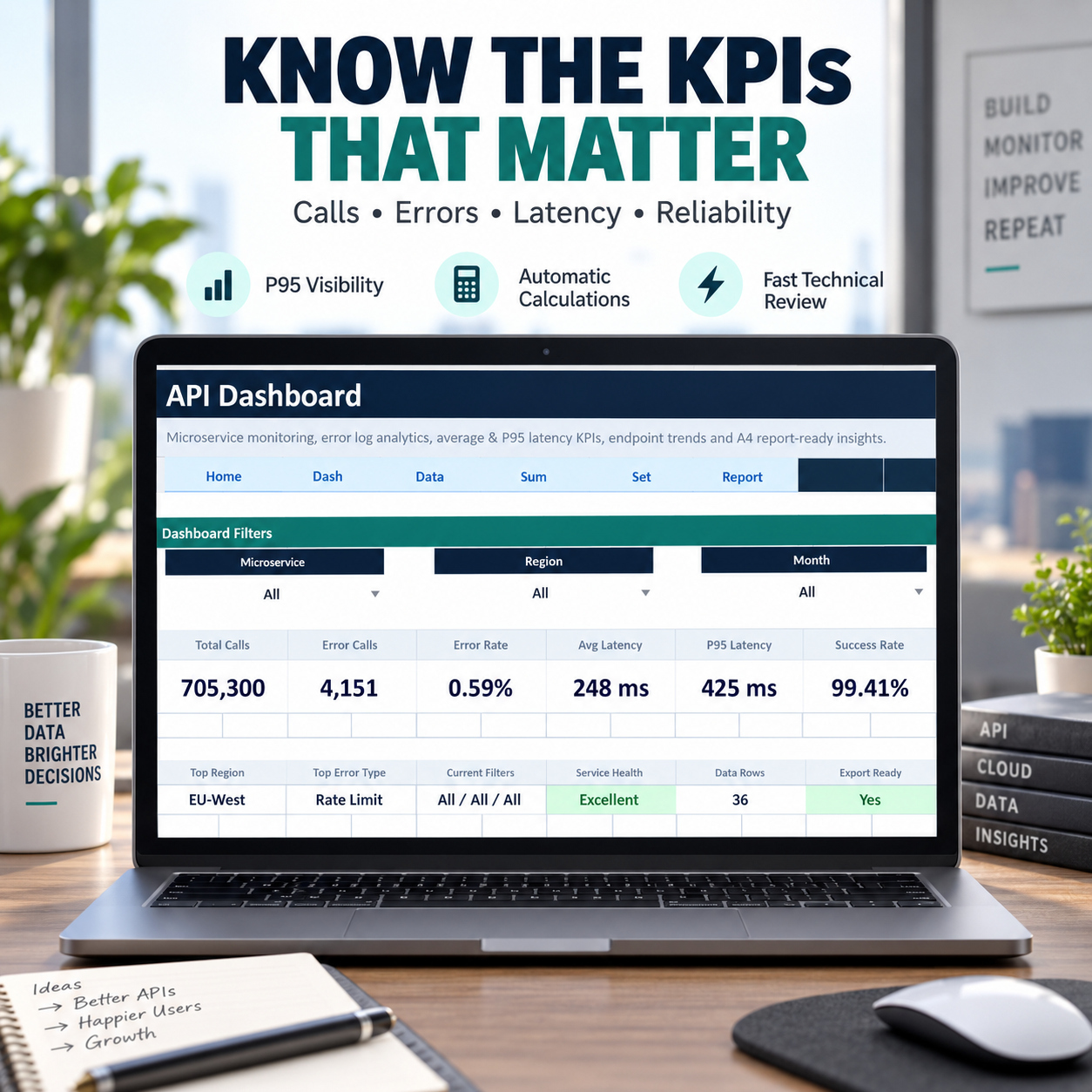
Excel API analytics system for calls, errors, latency, endpoints and microservices, with dashboard filters, incident triage, SLA tracking and A4 reporting.
Further information
The objectives of this toolkit are to:
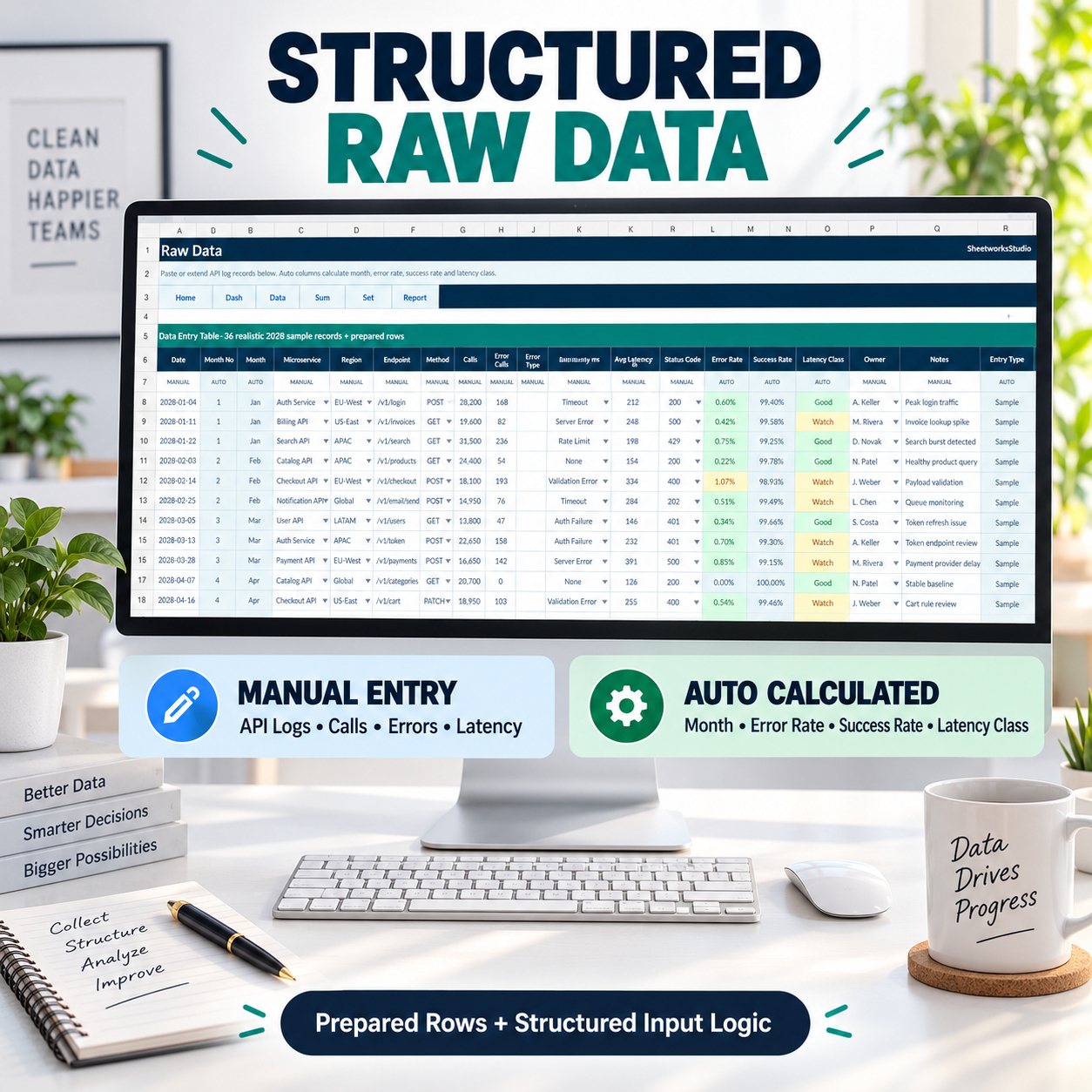
- Centralize API log information
- Monitor API call volumes
- Calculate and review error rates
- Analyze average and P95 latency
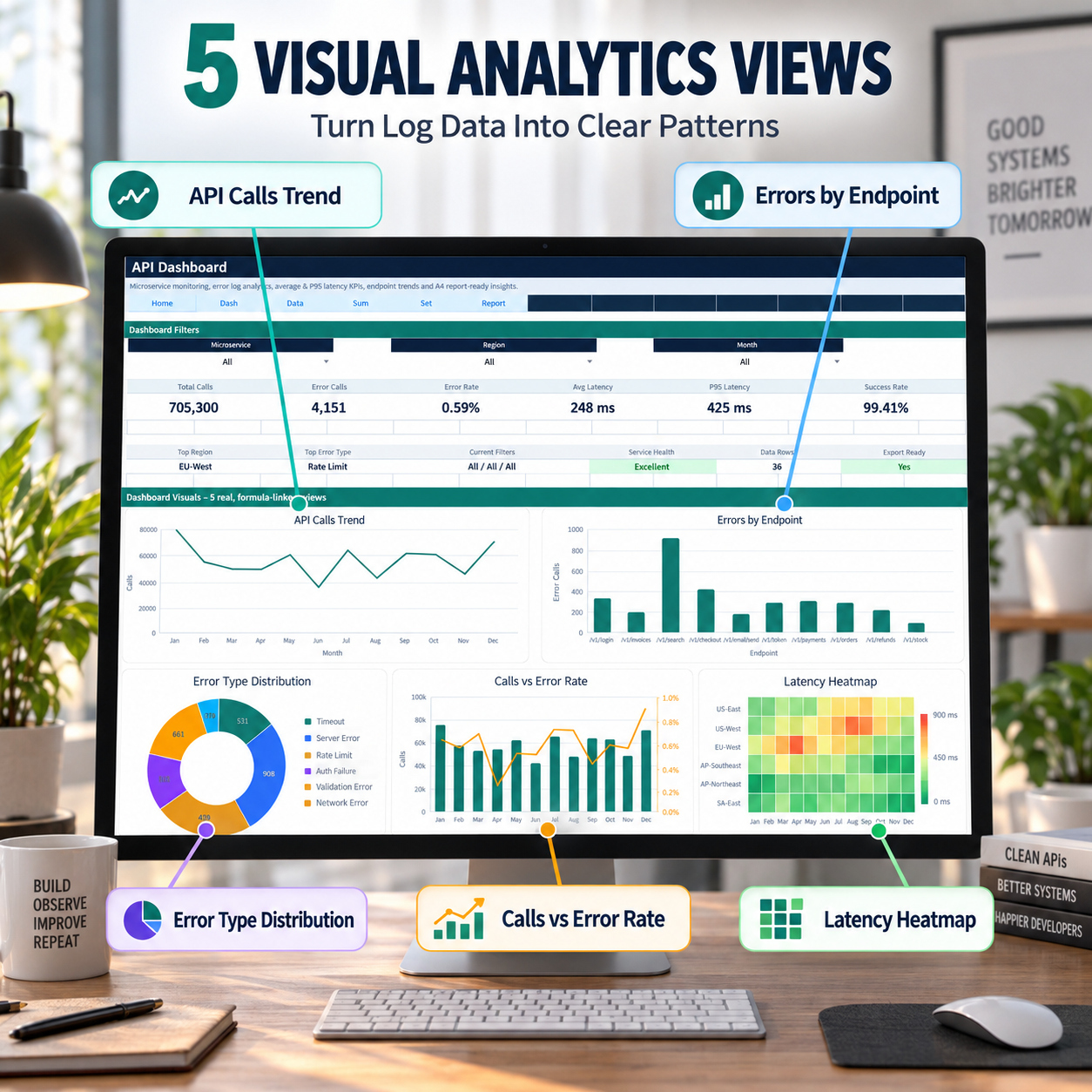
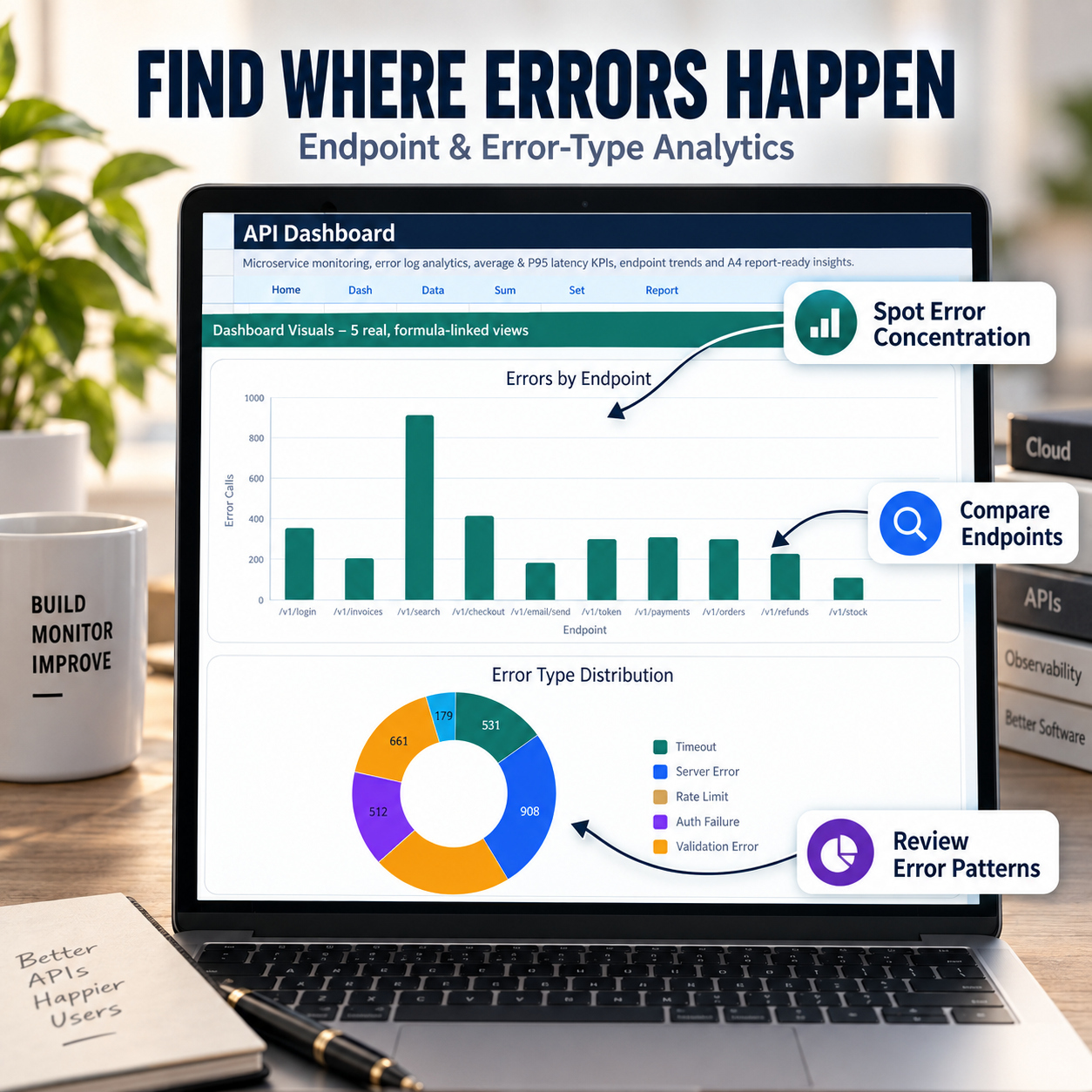
- Identify error-heavy endpoints
- Review error-category distribution
- Compare traffic with error-rate movement
- Identify regional latency patterns
- Structure recurring technical reporting
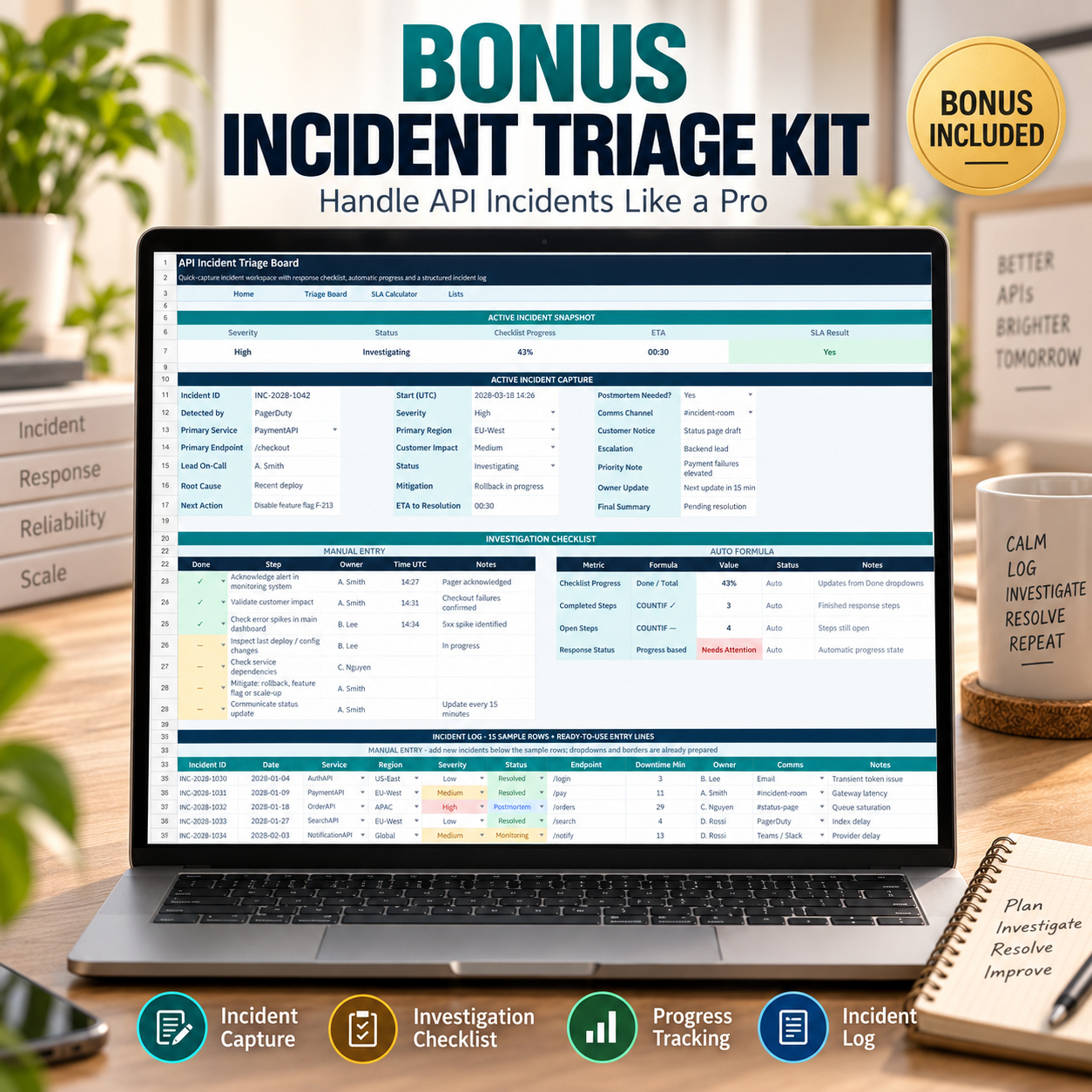
- Standardize incident capture
- Improve investigation follow-up
- Maintain historical incident records
- Quantify SLA impact
- Support recurring engineering and DevOps reviews
The toolkit provides analytical and documentation support but does not replace live monitoring or observability infrastructure.
This toolkit is particularly suitable for:
- DevOps teams
- Backend engineering teams
- API teams
- SaaS operations
- Microservice environments
- Technical managers
- Engineering consultants
- Startups
- Internal technical reporting
- Incident-review workflows
It works particularly well when teams already have API-log data available and need a structured Excel-based layer for analysis, reporting and incident review.
This toolkit is not intended to replace:
- Live observability platforms
- APM systems
- SIEM platforms
- Real-time alerting systems
- Log-ingestion infrastructure
- Incident-management SaaS
- Production SLA monitoring
It does not connect directly to APIs or automatically collect live telemetry.
The accuracy of KPIs and SLA calculations depends entirely on the completeness and correctness of the source information entered by the user.

