Publication number: ELQ-34067-1
View all versions & Certificate

Fixed Asset Depreciation Calculator Pro — SL, DB & DDB | 50 Assets | Dashboard | Excel
Three depreciation methods, 50 assets, a live dashboard, and a Power Query report. Audit-ready. Built by a GCC CFO with 19 years of real register experience.
 by FinDataPro
Enthusiastic Data Modeller, Addicted to Report Automation, Financial Modeller, Excel PRO, Visualisation Geek, and Aspiring data ScientistFollow 16
Further information
After purchasing and using this template, you will be able to:
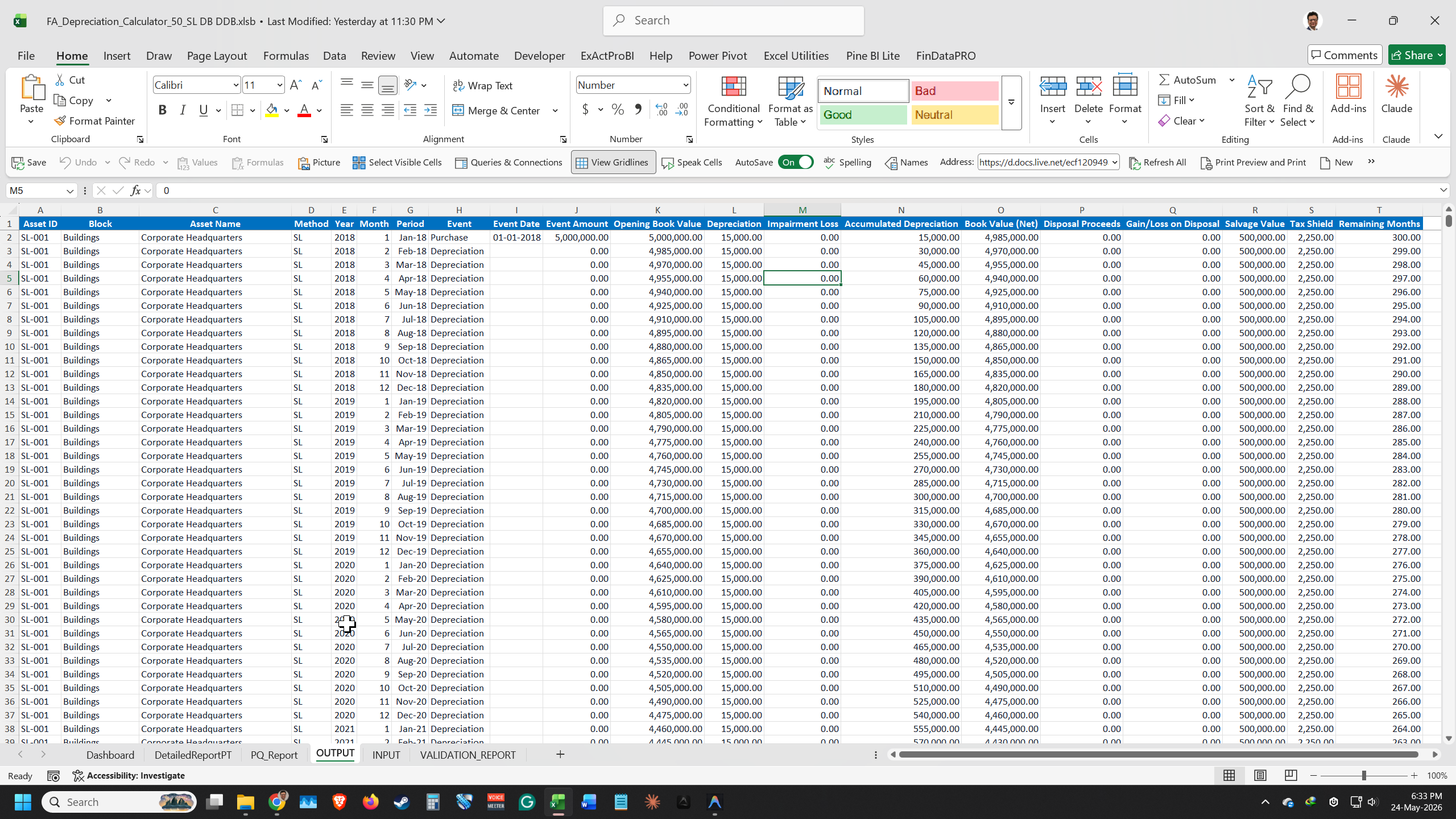
- Calculate accurate monthly depreciation using Straight Line, Declining Balance, and Double Declining Balance methods simultaneously across up to 50 assets
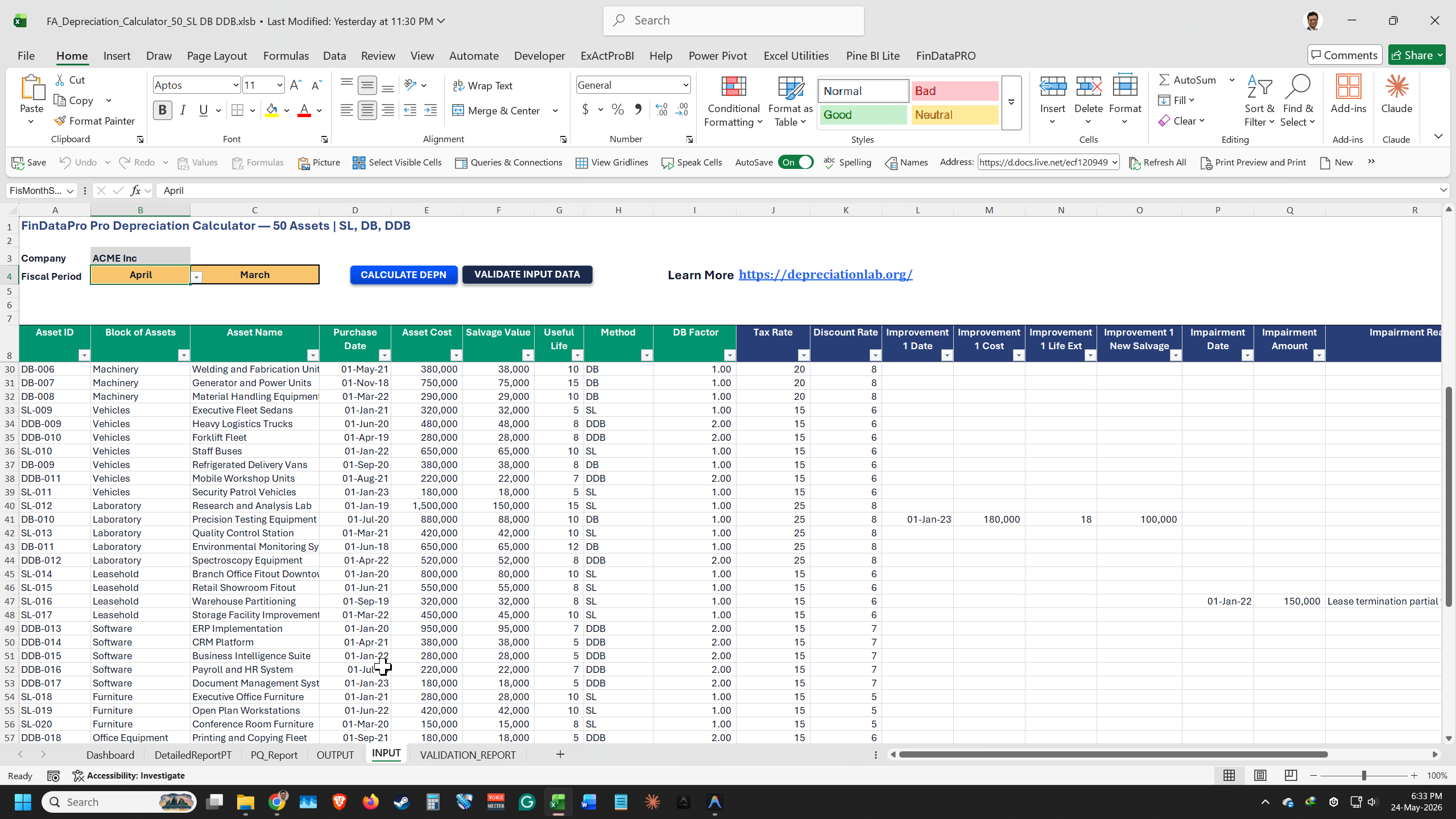
- Set a configurable DB Factor per individual asset (1.0 for WDV-style, 1.5 for 150% DB, 2.0 for DDB) to match your depreciation policy or local tax rules
- Handle capital improvements, mid-year disposals, and impairments without rebuilding your formula structure
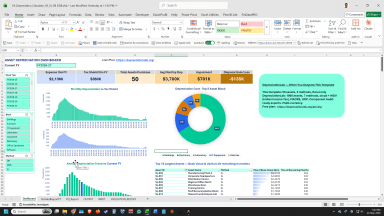
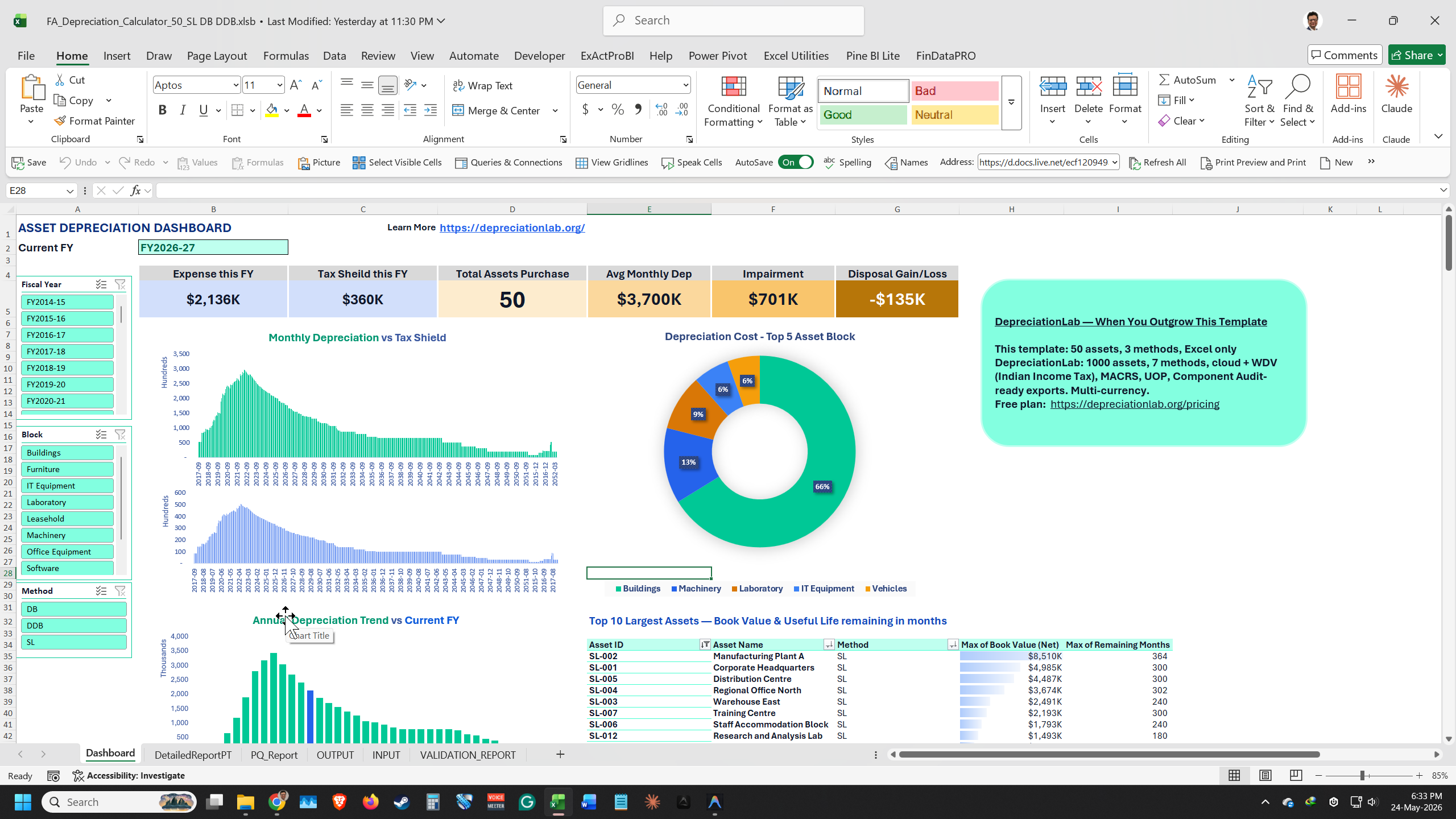
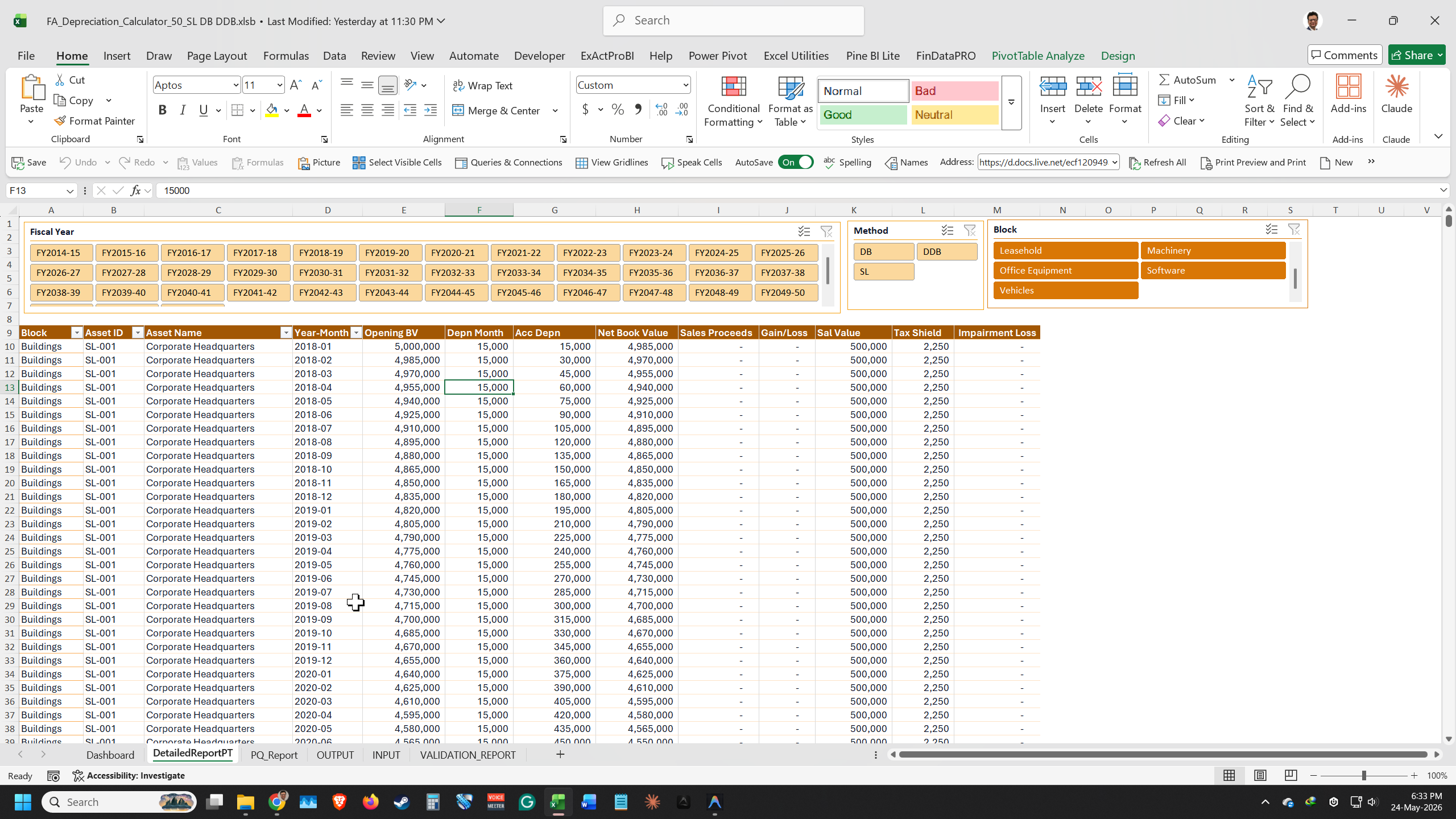
- Produce a live management dashboard showing Current FY depreciation expense, tax shield, total assets, average monthly depreciation, and your top 10 assets by Net Book Value
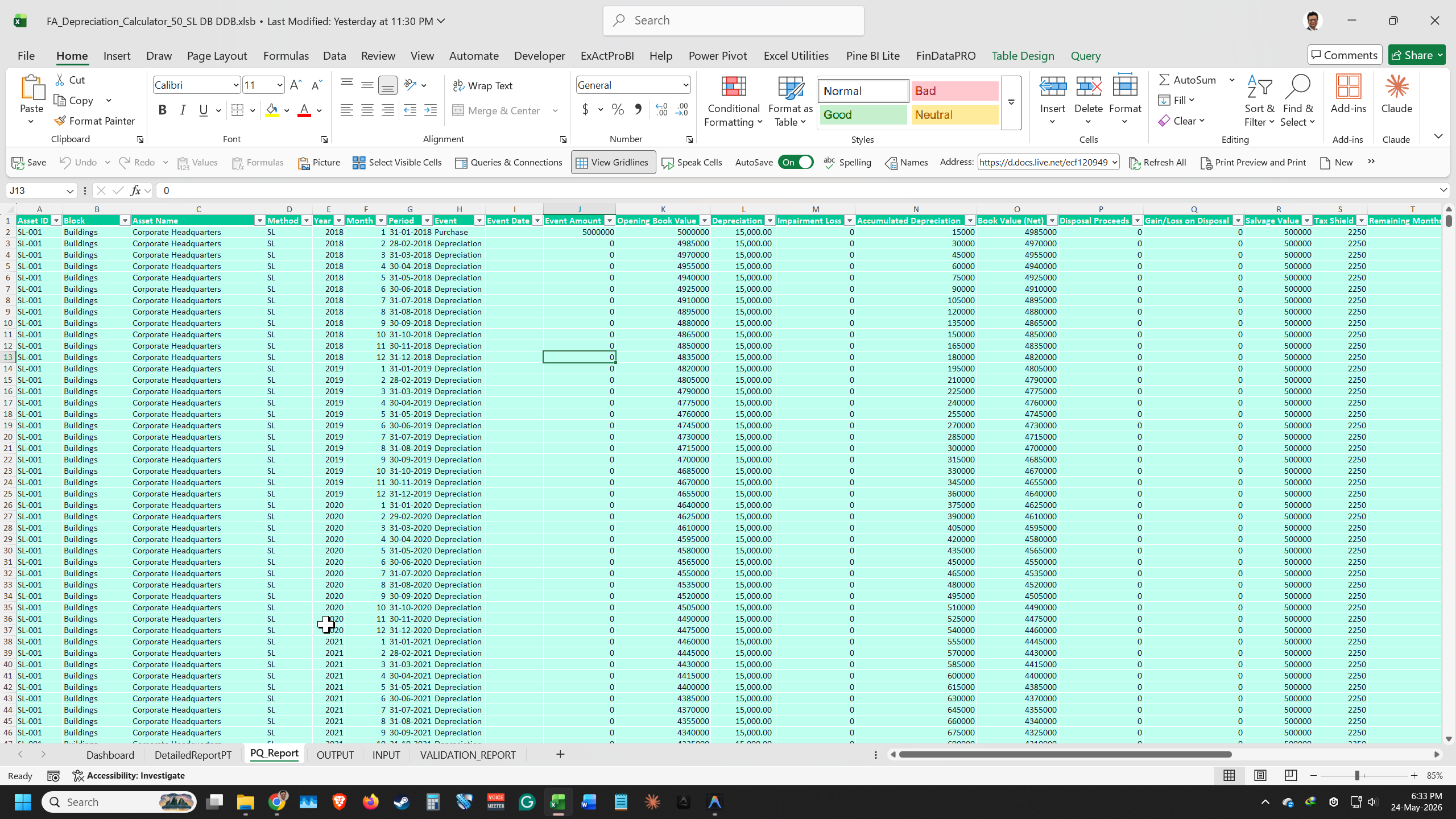
- Slice depreciation data by Fiscal Year, Fiscal Quarter, and Month using the Power Query Report, and connect it directly to Power BI
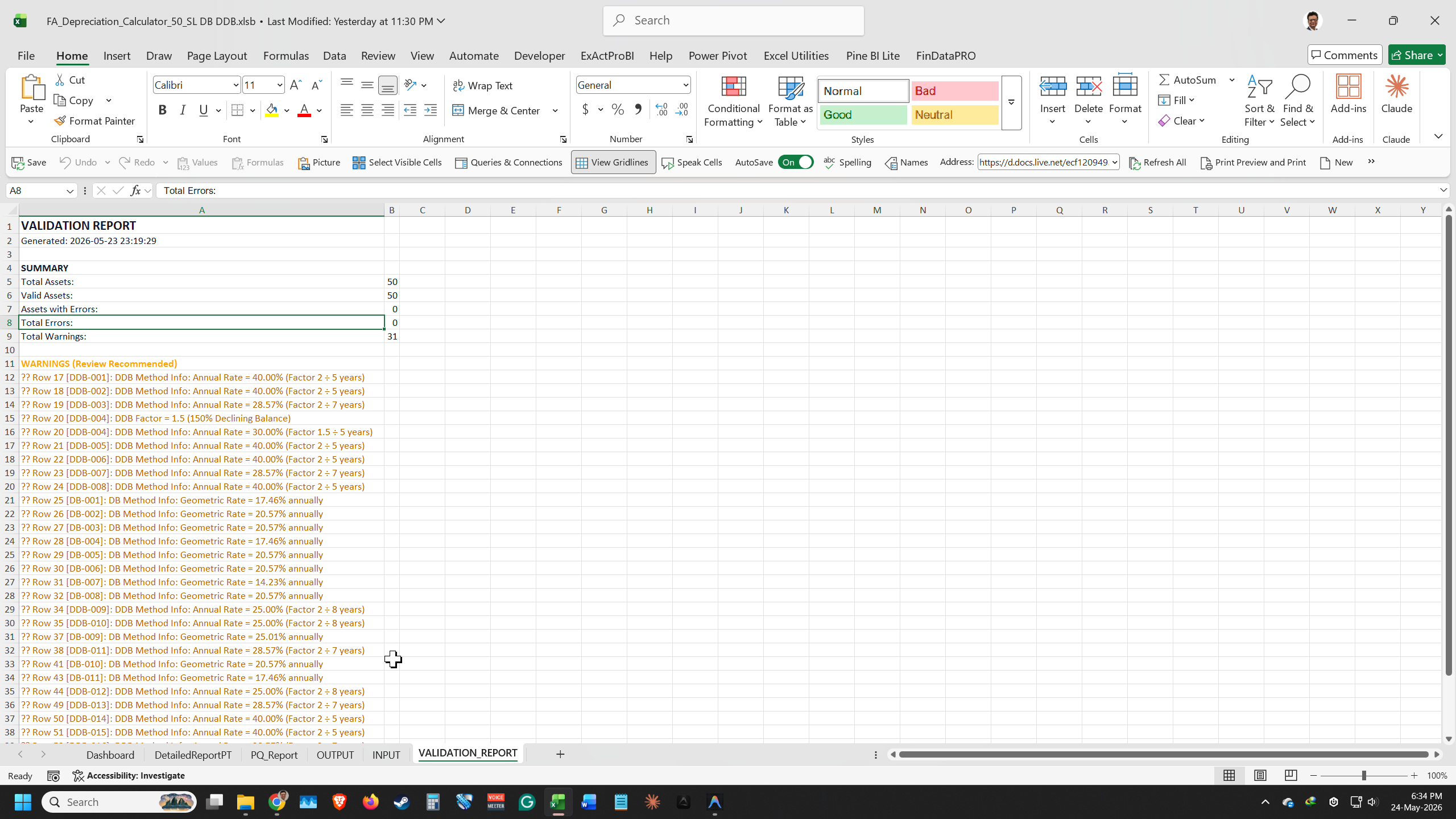
- Flag and fix data entry errors before they corrupt your output, using the extended Validation Report with DDB rate confirmation
- Support financial reporting, tax compliance, budgeting, and audit work from a single structured Excel register
